What Sayso Composer is
Updated November 24, 2026
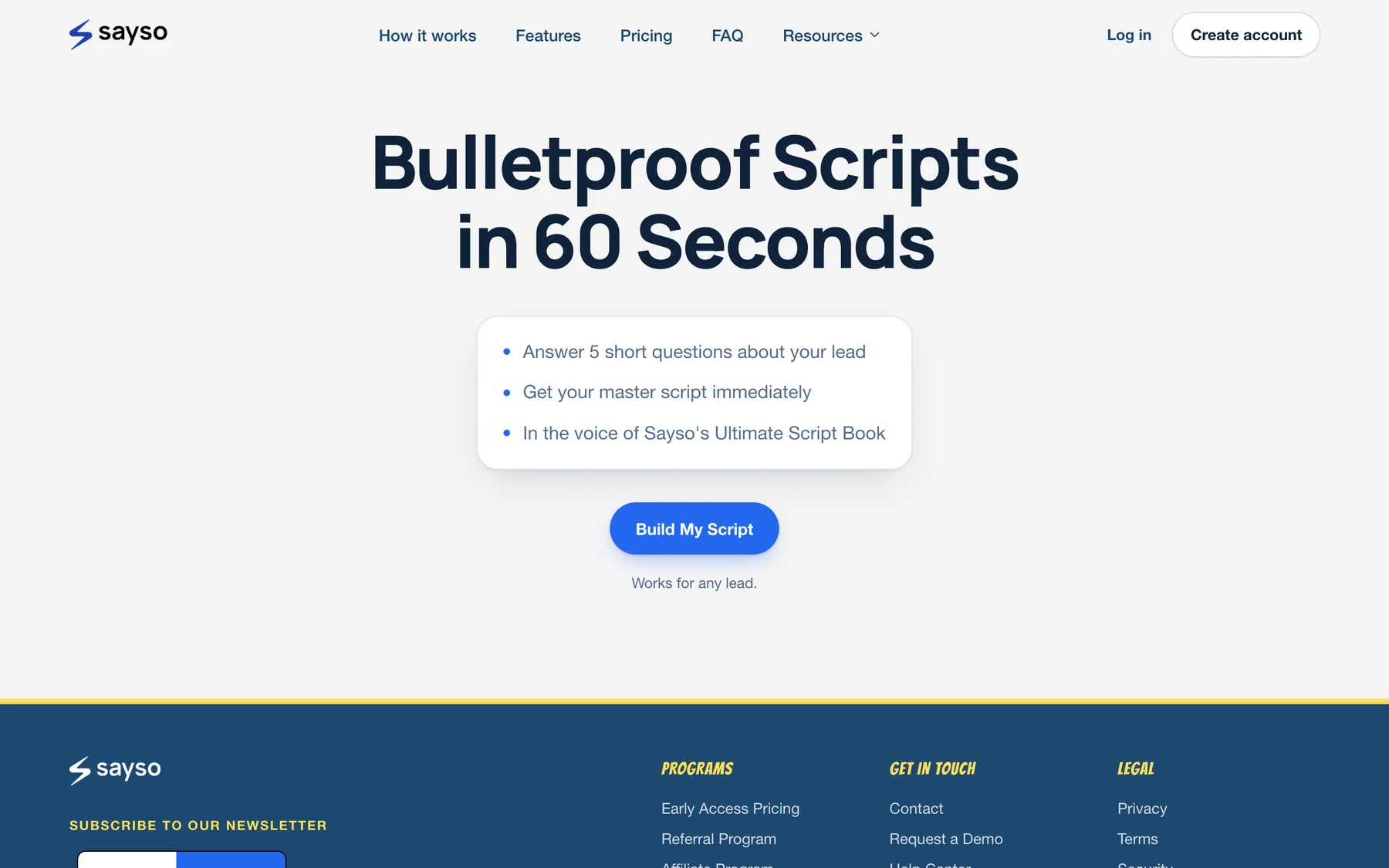
Sayso Composer is a web app at composer.asksayso.com. Answer six questions about the lead you're calling and Composer writes a one-page script with coaching notes. It works for buyers, sellers and any lead source.
Build a script
- Go to composer.asksayso.com and click Build My Script.
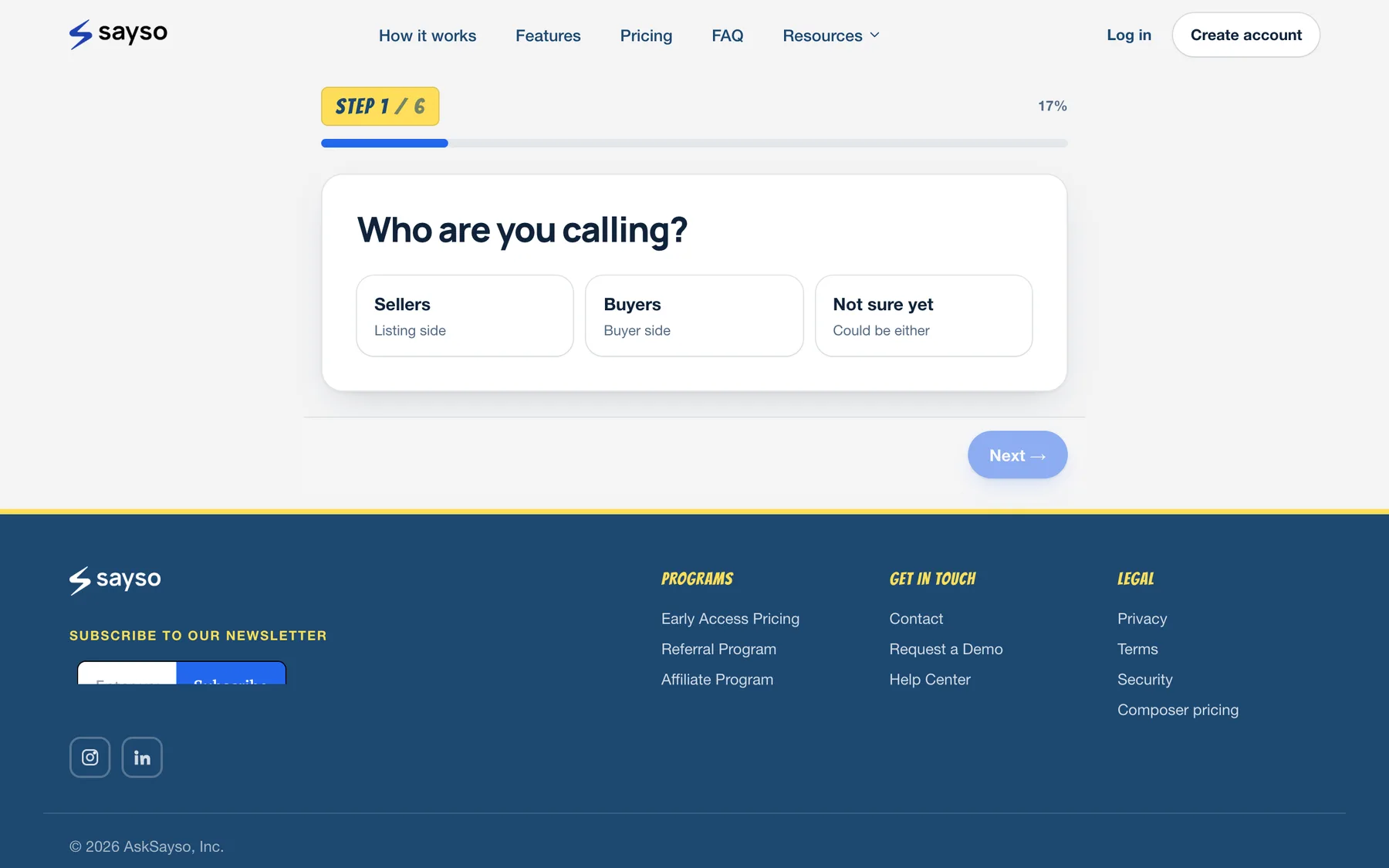
- Answer the six steps:
- Who are you calling? Sellers, Buyers or Not sure yet.
- Where did this lead come from? For example Sphere, Past client, Online inbound lead, Open house, Sign call, FSBO, Expired listing or Circle prospecting.
- How warm is this lead? Cold, Warm or Hot.
- What's the goal of this call? For example Book an appointment, Set a listing appointment or Re-engage a dead lead.
- Tell us about the call: what you offer, why you're calling and what you know about the lead.
- Your style: Casual & laid-back, Balanced or Direct & assertive. Add your name, team and market, or leave them blank to get placeholders.
- Sign in or create your Composer account when asked.
- Your script appears in seconds and is saved to your Composer dashboard.
Use it with Sayso
Upload your Composer scripts to the desktop app to keep them next to the Coach widget during calls. See Upload and manage your playbooks.
Get access
Composer is included for current Sayso customers at no extra cost. See Get access to Sayso Composer.
Was this article helpful?
Still stuck? Email support@asksayso.com or join office hours (every Wednesday at 11am PT / 2pm ET).