Download Sayso from the web app
Updated November 23, 2026
Live coaching happens in the Sayso desktop app for Mac and Windows. You download it from the web app.
Download on your computer
- Sign in at app.asksayso.com.
- Click Download Sayso at the bottom of the left sidebar.
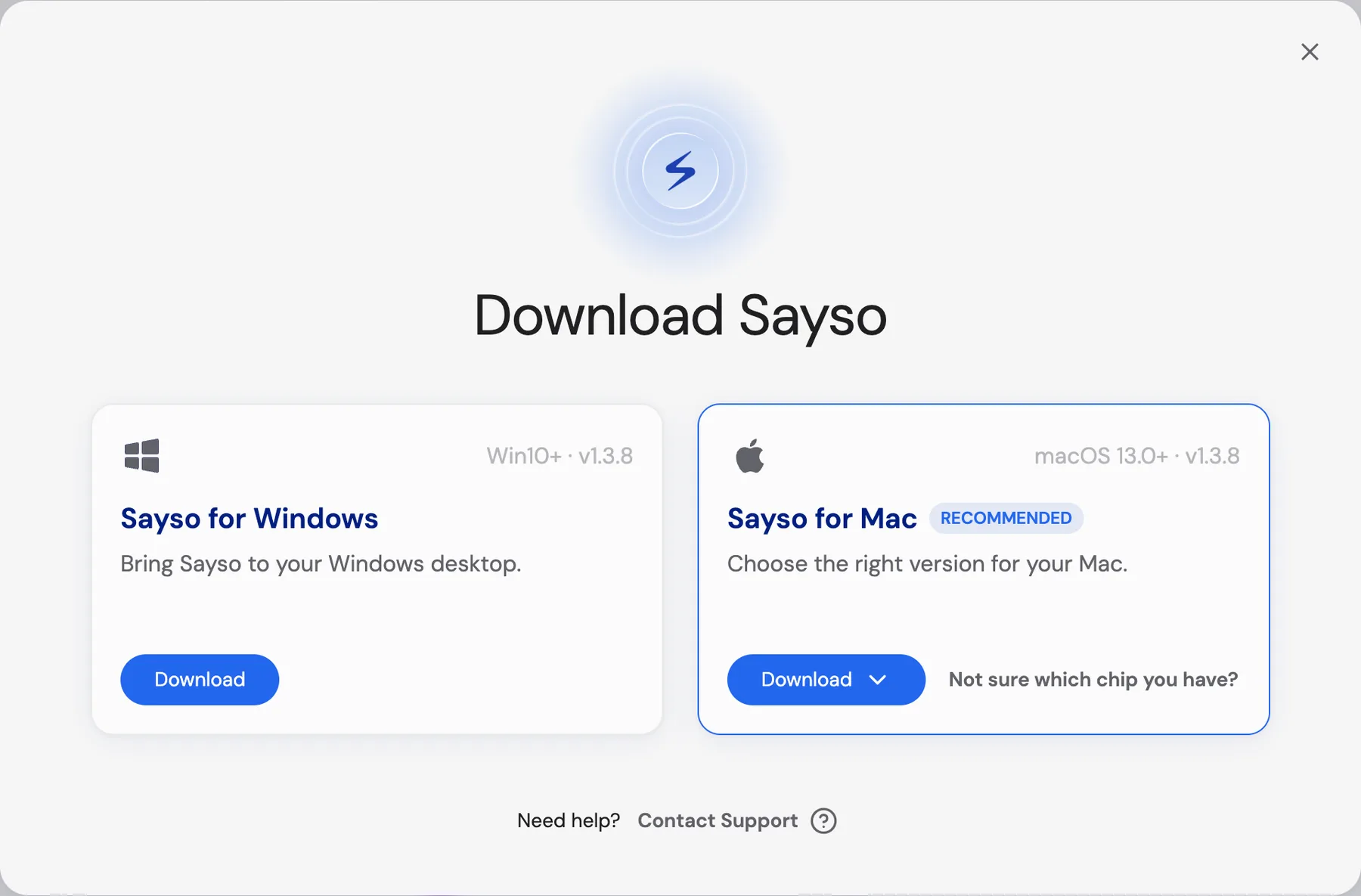
- In Download Sayso, pick your computer. The one Sayso detects is marked as recommended.
- Windows: under Sayso for Windows, click Download. Needs Windows 10 or later.
- Mac: under Sayso for Mac, click Download and choose Apple Silicon or Intel.
Each option shows the latest version number.
Not sure which Mac you have?
Click Not sure which chip you have? in the download window. Or open the Apple menu > About This Mac. If it says Chip: Apple, pick Apple Silicon. If it says Processor with Intel, pick Intel. See Which Mac do I have?
Then install it. See Install on Mac or Install on Windows.
On your phone
Sayso can't be installed on a phone. If you tap a download button on your phone, Sayso offers to email you the link:
- Enter your email.
- Tap Send me the Link.
- Open the email on your computer and download from there.
Need help?
Click Contact Support at the bottom of the download window to email our team.
Related
Was this article helpful?
Still stuck? Email support@asksayso.com or join office hours (every Wednesday at 11am PT / 2pm ET).