Privacy and your data
Updated November 23, 2026
Does Sayso record my calls?
Sayso does not record or store the audio of your calls. While a session is active, it streams the call audio to be turned into text in real time so Cue can coach you and Smart Capture can take notes. The audio is not kept.
What Sayso does keep is a written transcript of the conversation, saved with that conversation in your account along with the rest of the session record below.
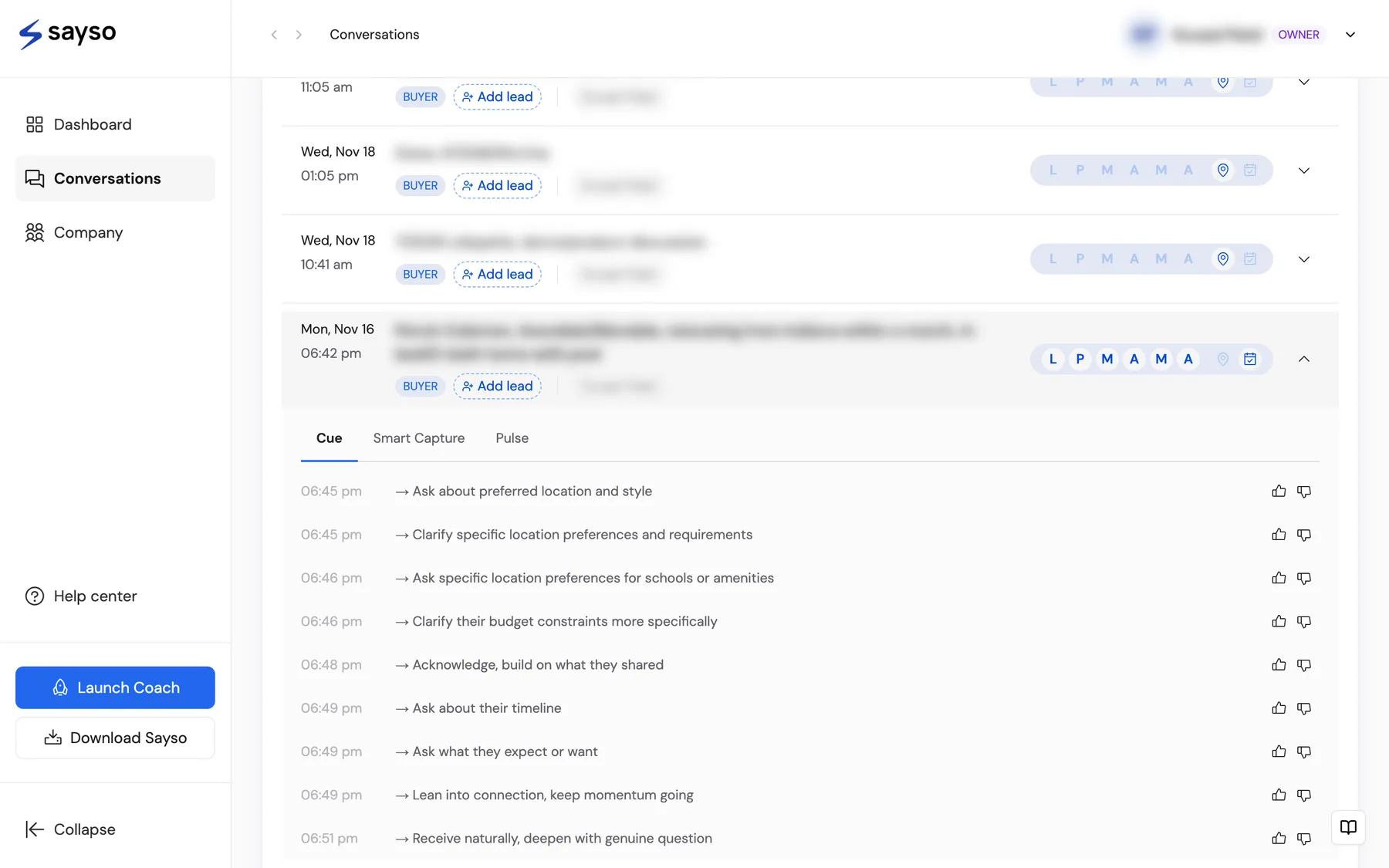
What Sayso saves for each conversation
When you stop a session, Sayso saves a record of it:
- Transcript: the written conversation, with who said what and when
- Prompts: the Cue insights you saw during the call, and any ratings you give them
- Notes and summary: your Smart Capture notes and a short summary of the call
- Session details: the date, how long it lasted, Buyer or Seller, whether an appointment was booked, and the lead it is linked to if you send it to your CRM
- Market data: any Pulse data you looked up
Your account details, playbooks and settings are saved too.
What Sayso never saves
- Audio from your calls
- Your screen. On a Mac, the Screen Recording permission is only used to hear the call audio. Nothing on your screen is captured or stored. See Why Sayso needs these permissions.
Anything said out loud during a coached session ends up in the transcript. Skip reading card numbers or passwords aloud while a session is active.
Who can see my conversations?
- You can see your own conversations in the web app under Conversations.
- On a team, the owner and admins of your company can see the conversations of the agents in the company. See What your team admin can see.
- Other Sayso users cannot see your conversations.
The Sayso team and the service providers that help us run Sayso, such as hosting and transcription, handle your data under our privacy policy. We do not sell your identifiable information or your transcripts.
Ask for a copy or deletion
There is no delete button for conversations or accounts in the app today. To request a copy of your data, or to have your data or account deleted, email support@asksayso.com from the email on your account.
If you are an agent on a team, your company's owner or admin can also remove you from the company, which permanently deletes your account and its history. See Remove an agent from your company.
The full details
This article is a plain-language summary. The Sayso Privacy Policy is the full and binding version, including how long data is kept and your rights.
Related
Was this article helpful?
Still stuck? Email support@asksayso.com or join office hours (every Wednesday at 11am PT / 2pm ET).