System requirements
Updated November 23, 2026
Desktop app
| Supported | |
|---|---|
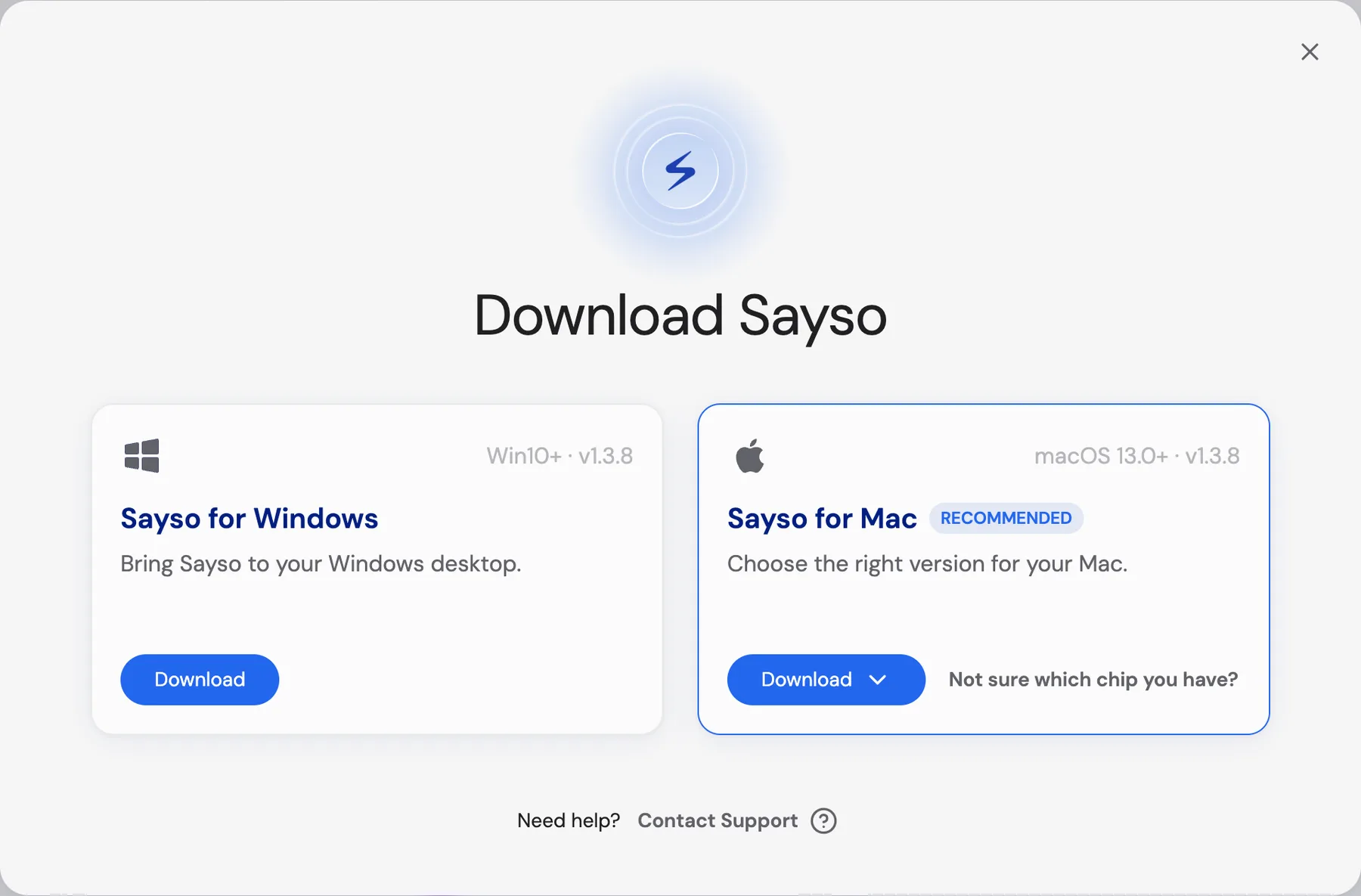
| Mac | macOS 13 (Ventura) or newer. There are separate downloads for Apple Silicon (M1 and newer) and Intel Macs. See Which Mac do I have? |
| Windows | Windows 10 or Windows 11 |
| Meeting detection | Mac: macOS 14.2 or newer. Windows: Windows 10 or 11. See Meeting detection |
Not supported today: iPhone, iPad, Android phones and tablets, Chromebooks and Linux.
On macOS 13 through 14.1, Sayso works fully, but meeting detection is not available. You can still open the Coach widget with the Sayso menu or the keyboard shortcut.
Download the desktop app from the web app. See Download Sayso.
Web app
The web app at app.asksayso.com works best in Google Chrome. Use Chrome for your CRM and dialer too. Safari has held on to the microphone in the past, and its pop-up blocker can get in the way of sign up and checkout.
Headphones
Headphones are required. On speakers, your microphone picks up the lead as well as you, which doubles the transcript and makes prompts worse. Wired headsets are the most reliable. Bluetooth headsets work on most computers. See Set up your audio.
Dialer
Your calls have to play through your computer. Any dialer that plays the call in your browser or a desktop app works. Calls that ring on your cell phone or a desk phone do not. See Works with your dialer and CRM.
Internet connection
Sayso needs a stable connection for live coaching. A slow or patchy connection can delay prompts or leave gaps in your notes. If the connection drops, the Coach widget tries to reconnect.
Computer performance
Older Intel Macs and older Windows laptops can feel slow with many apps open. Close what you do not need during your dial blocks.
Was this article helpful?
Still stuck? Email support@asksayso.com or join office hours (every Wednesday at 11am PT / 2pm ET).