Disconnect or reconnect a CRM
Updated November 23, 2026
Disconnect
- Open Account Settings > Connections.
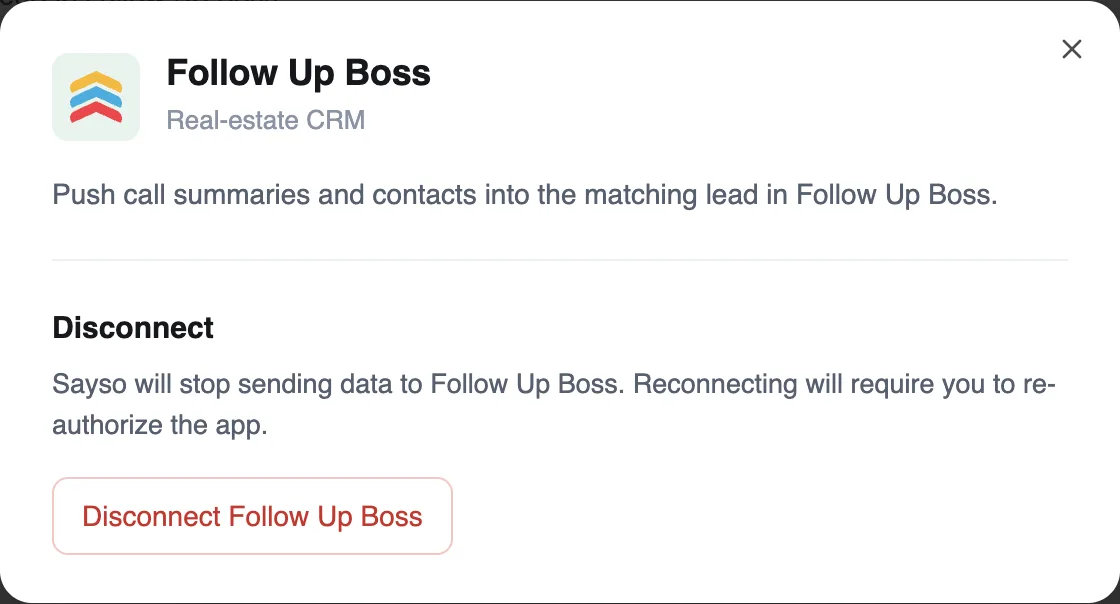
- On the connected card, click Manage. The window shows the account that's connected.
- Click Disconnect Follow Up Boss or Disconnect Sure Send.
- Confirm with Disconnect, or click Keep connected to cancel.
Sayso stops sending data to that CRM. Your conversations and the notes already in your CRM stay where they are. To connect again later, you'll sign in or paste a token again.
Reconnect an expired connection
Sometimes a CRM connection expires, for example when access is revoked on the CRM side. You see this when you click Add lead on a conversation: the menu says your connection expired and shows a Reconnect link.
- Click the link, or go to Account Settings > Connections.
- Disconnect the CRM, then click Connect and follow the steps again.
See Connect Follow Up Boss or Connect Sure Send.
Switch CRMs
Disconnect the old one, then connect the new one. Conversations you already linked keep their old link.
Related
Was this article helpful?
Still stuck? Email support@asksayso.com or join office hours (every Wednesday at 11am PT / 2pm ET).