Billing for team accounts
Updated November 23, 2026
Who manages billing
The Owner, the person who subscribed to the team plan. Admins and Members don't see Settings > Subscription.
If an Admin or Member opens the web app when the company has no active plan, they see "Your company doesn't have an active plan. Contact your account owner to get access to Sayso."
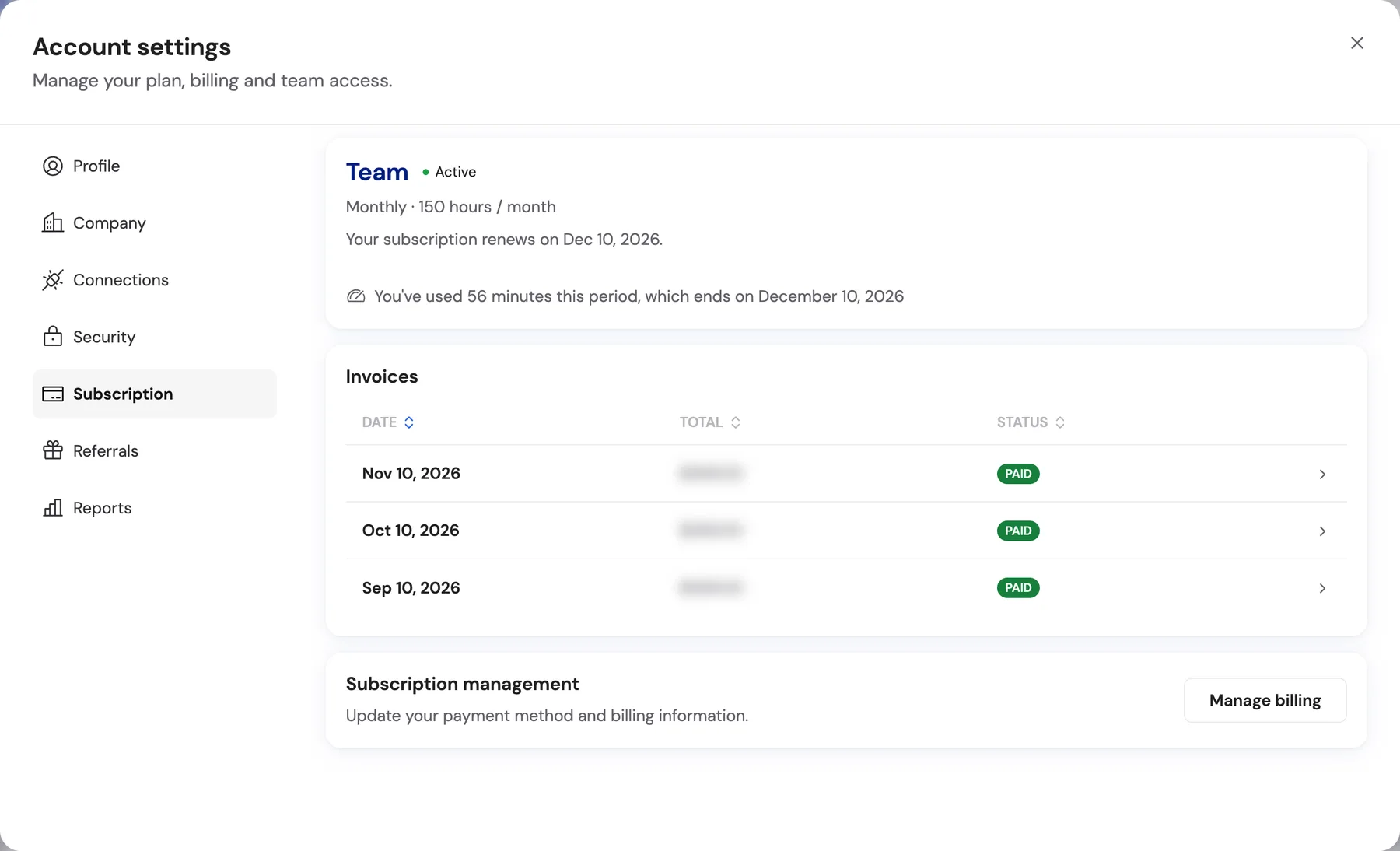
Where the Owner manages it
In Settings > Subscription you can see your plan, its status, hours per month and minutes used this period, and your invoices. Subscription management opens a secure billing page to update your payment method and billing information. See Update your card and download invoices.
Shared hours
Your plan includes a number of coaching hours each billing period, shared by everyone in the company. Hours reset with each paid invoice. A call only uses hours when Sayso helped on it: Cue gave a prompt, Smart Capture caught something, or the agent used Pulse. See How coaching minutes are counted.
To control how the hours are split, give teams a monthly cap. See Set a team's monthly hours.
Cancelling or pausing
The owner cancels or pauses from Account Settings > Subscription > Manage billing. Your team keeps access until the end of the period you paid for. See Cancel, pause or change your plan.
Getting more hours or changing your plan
Email support@asksayso.com or book a call to move to a bigger plan if your team runs out of hours often, or to change your plan or billing period.
Team discounts are available for teams bringing on 3 or more agents. See pricing for the current plans.
Related
Was this article helpful?
Still stuck? Email support@asksayso.com or join office hours (every Wednesday at 11am PT / 2pm ET).