Questions from team owners and admins
Updated November 23, 2026
For agent questions, see Questions from agents.
Setting up your team
How do I add agents?
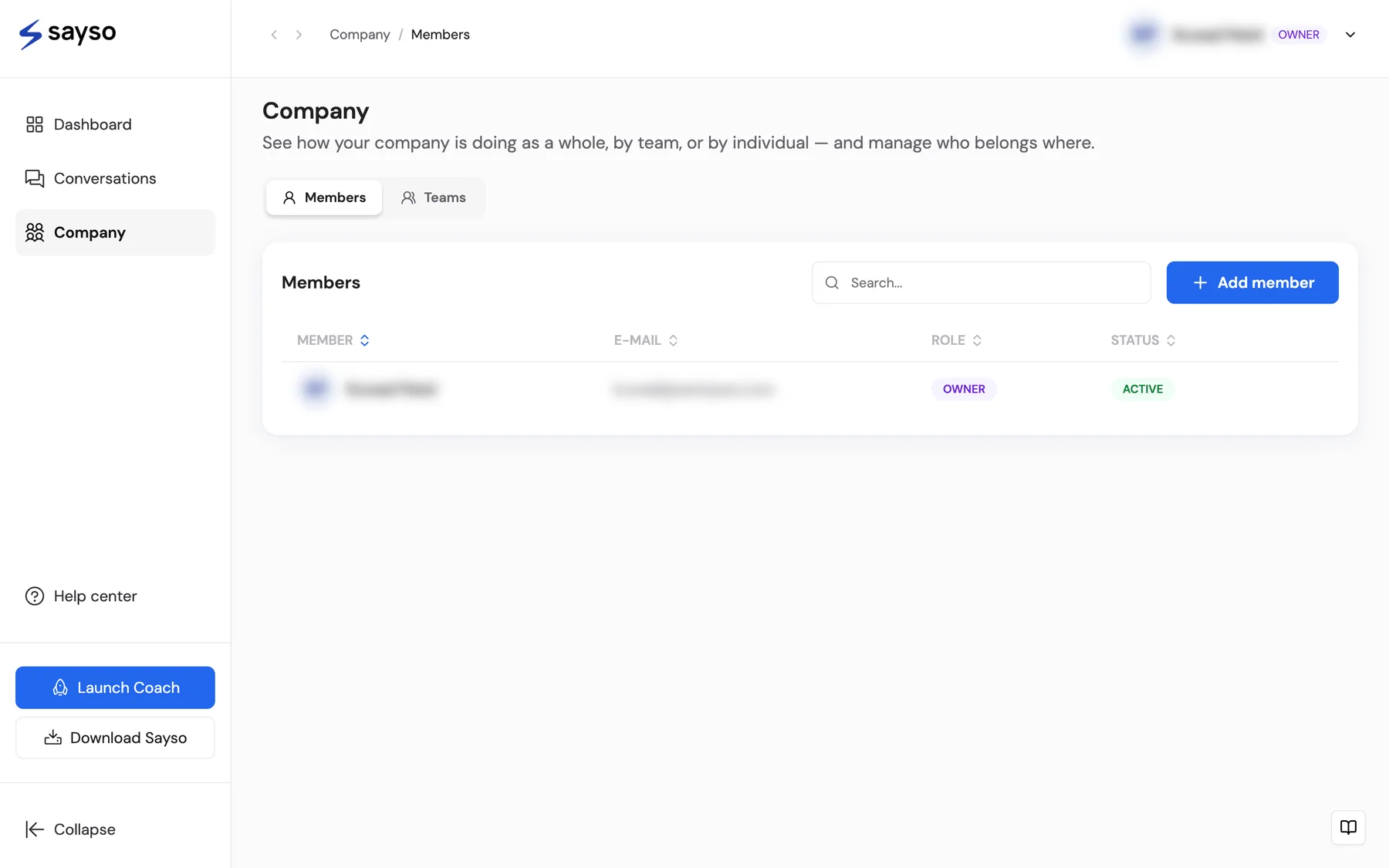
Open Company > Members and click Add member. See Invite agents to your company.
How do I onboard a new agent?
Send them Join your team from an invite, the cheat sheet and Download and install Sayso. What works best: a 30-minute one-on-one to install, set up headphones and the dialer and make one practice call, a shared chat channel for questions, and a check-in every two weeks. See Roll out Sayso to your team.
What's the difference between an Owner, an Admin and a Member?
The Owner manages billing, renames the company and changes roles. Admins invite agents, build teams, set hour caps, read reports and review conversations. Members use Sayso on their calls and see their own data. See Owner, Admin and Member roles.
Can I have more than one admin?
Yes, as many as you need. The Owner can make anyone an Admin. See Add another admin.
Can I limit which features agents use?
No. Every agent gets every feature.
How long does an invite last?
14 days. After that it shows Expired and you can use Resend invite.
Hours and billing
How does team pricing work?
Your team plan includes a pool of coaching hours each billing period, shared by everyone in your company. You can split it between groups with team hour caps. See Billing for team accounts.
What counts toward hours?
A call counts when Cue gave a prompt, Smart Capture caught something, or the agent used Pulse. Voicemails can trigger prompts, so they can count. Auto Stop ends a session when the line goes quiet for a while. See How coaching minutes are counted.
Can I see how many hours each agent is using?
Yes. On the Dashboard, filter to one member to see their conversation time. The Teams tab shows each team's hours this month.
Can I set hours for each agent?
Hour caps are set per team, not per agent. If you need a cap for one agent, put them on their own team. See Set a team's monthly hours.
What happens when we run out of hours?
If a team reaches its cap, its agents can't start new sessions until you raise the cap or the month resets on the 1st. If the whole company runs out of plan hours, nobody can start sessions until the next billing period. Email support@asksayso.com or book a call to talk about a bigger plan.
Can an Admin see invoices or change the card?
No. Only the Owner can. See Billing for team accounts.
Scripts
Can I share scripts with the whole team?
Not directly yet. Uploaded scripts are personal. Send agents the file and have them upload it. See Sharing scripts with your team.
Reports and coaching
Can I see my team's calls?
Yes. Owners and Admins see every conversation in the company. See Review your agents' conversations.
Can I listen to my agents' calls?
No. Sayso never records audio. You can read each call's summary, Cue insights, Smart Capture notes and Pulse data.
Can I use Sayso for coaching 1:1s?
Yes. Filter the Dashboard and Conversations to one agent, scan their recent calls, and look for patterns: skipping motivation questions, not asking for the appointment, or getting stuck on the same objection. Use that as your 1:1 agenda.
Do I get a summary by email?
Yes. Owners and Admins get a weekly email report by default. See Weekly and monthly email reports.
Accounts and CRM
Does the team connect one CRM for everyone?
No. Each agent connects their own Follow Up Boss or Sure Send account. See CRM connections on a team.
An agent made their own account before I invited them. What now?
Can an agent change their sign-in email?
Not from the app. Have agents join with an email they'll keep. If an email must change, contact support.
What happens to an agent's data if they leave?
If you remove them with Remove member, their account and history are permanently deleted. If you only take them off a team with Remove from team, they stay in your company with everything intact. See Remove an agent from your company.
Can I move someone from agent to admin, or back?
Yes, if you're the Owner. See Change someone's role.
Don't see your question? Email support@asksayso.com and we'll add it here.
Was this article helpful?
Still stuck? Email support@asksayso.com or join office hours (every Wednesday at 11am PT / 2pm ET).