Desktop settings overview
Updated November 23, 2026
Open Settings
- Click the Sayso icon in your menu bar (Mac) or taskbar (Windows), then Settings.
- Or click the gear in the Coach widget before you start a session.
Use the Search box at the top of Settings to jump to any setting by name, for example "auto stop" or "font".
Every setting
| Tab | Setting | What it does | Default |
|---|---|---|---|
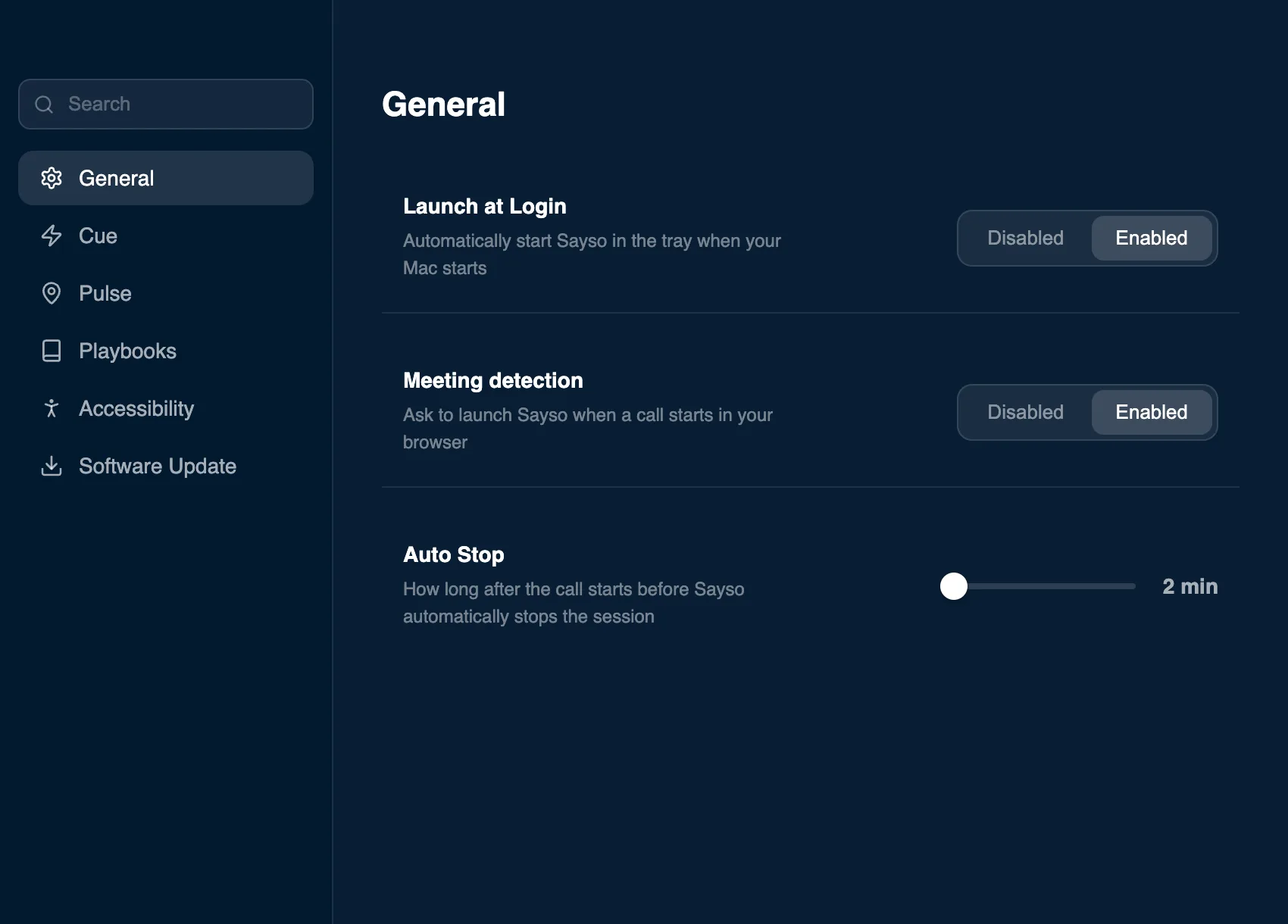
| General | Launch at Login | Starts Sayso in the background when you sign in to your computer. More | Disabled |
| General | Meeting detection | Asks to launch Sayso when a call starts in your browser. More | Enabled |
| General | Auto Stop | Ends a session after the lead has been silent this long, 2 to 10 minutes. More | 5 min |
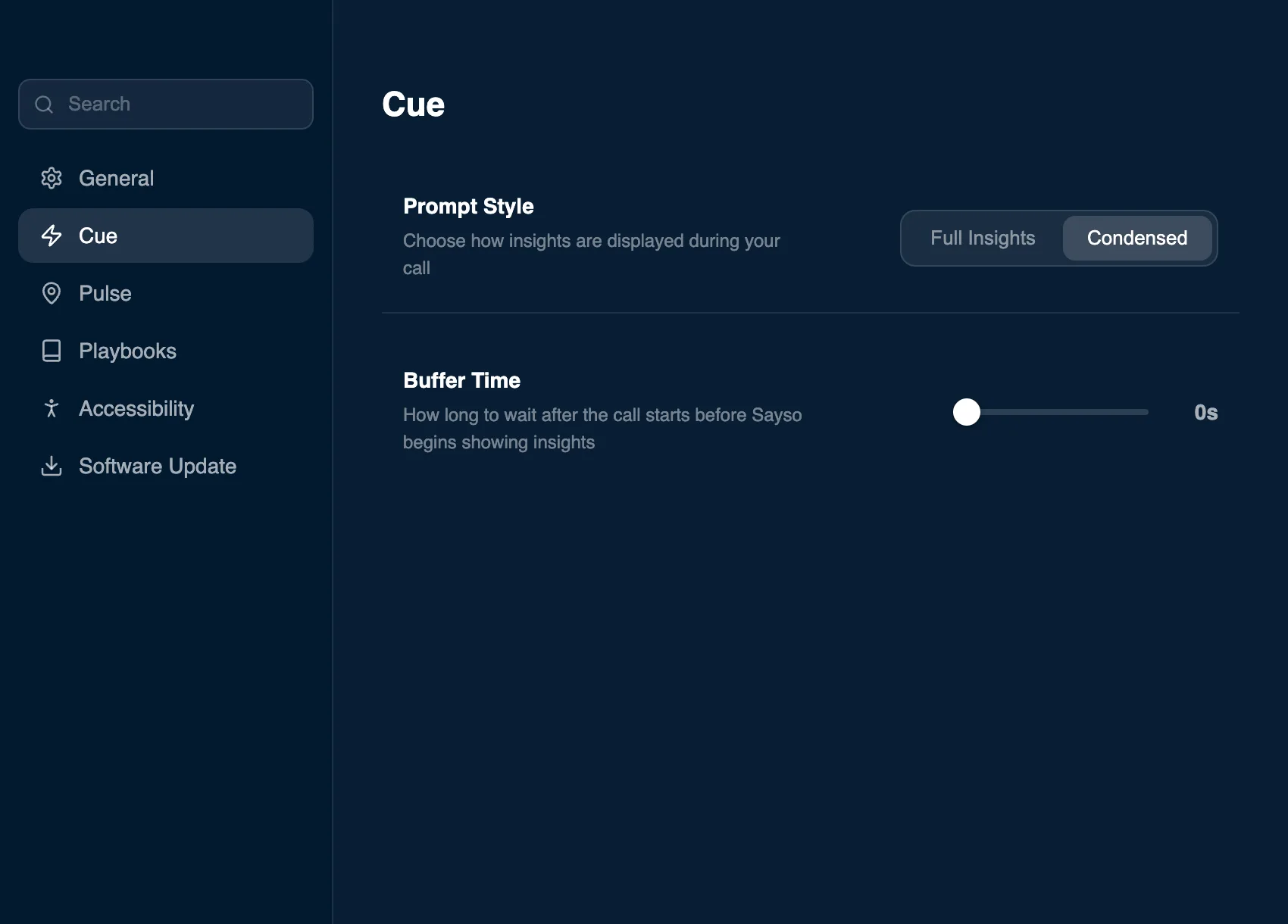
| Cue | Prompt Style | Full Insights or Condensed prompts. More | Full Insights |
| Cue | Buffer Time | Seconds to wait after Start or Reset before coaching begins, 0 to 30. More | 0s |
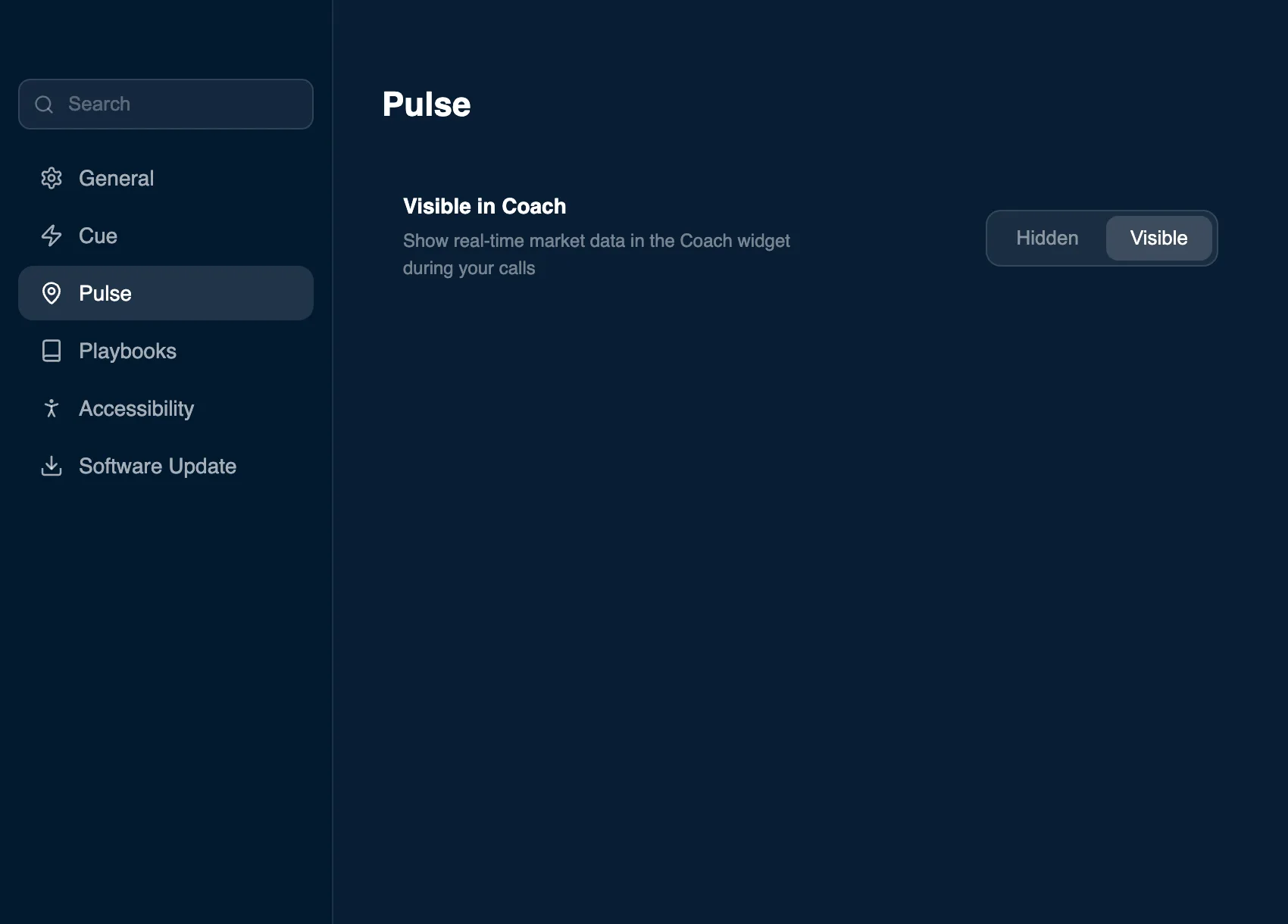
| Pulse | Visible in Coach | Shows or hides the Zip Code field for Pulse market data. | Visible |
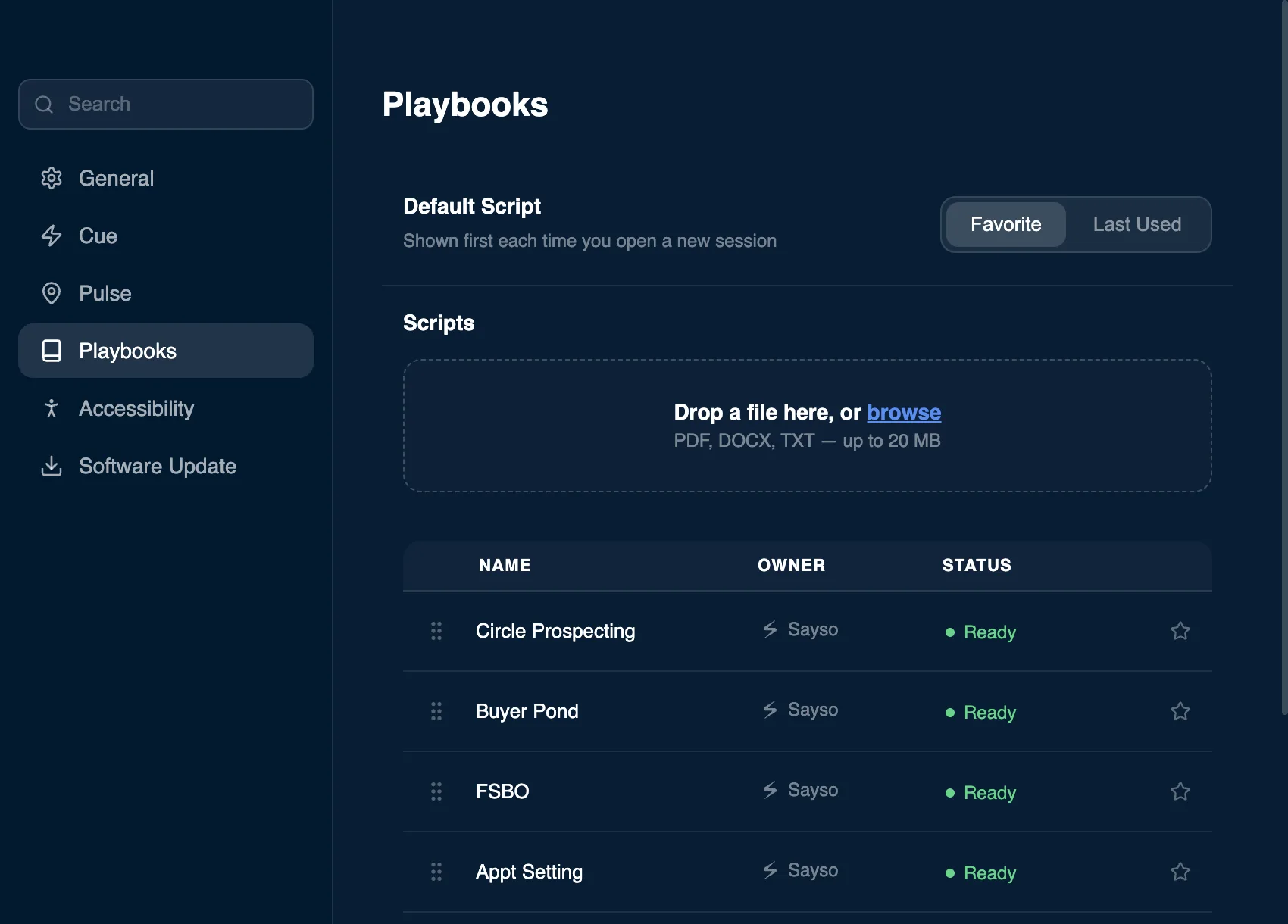
| Playbooks | Upload, Scripts | Add, rename, star, reorder and delete playbooks. More | |
| Playbooks | Default Script | Which playbook opens first: Last Used or Favorite. | Last Used |
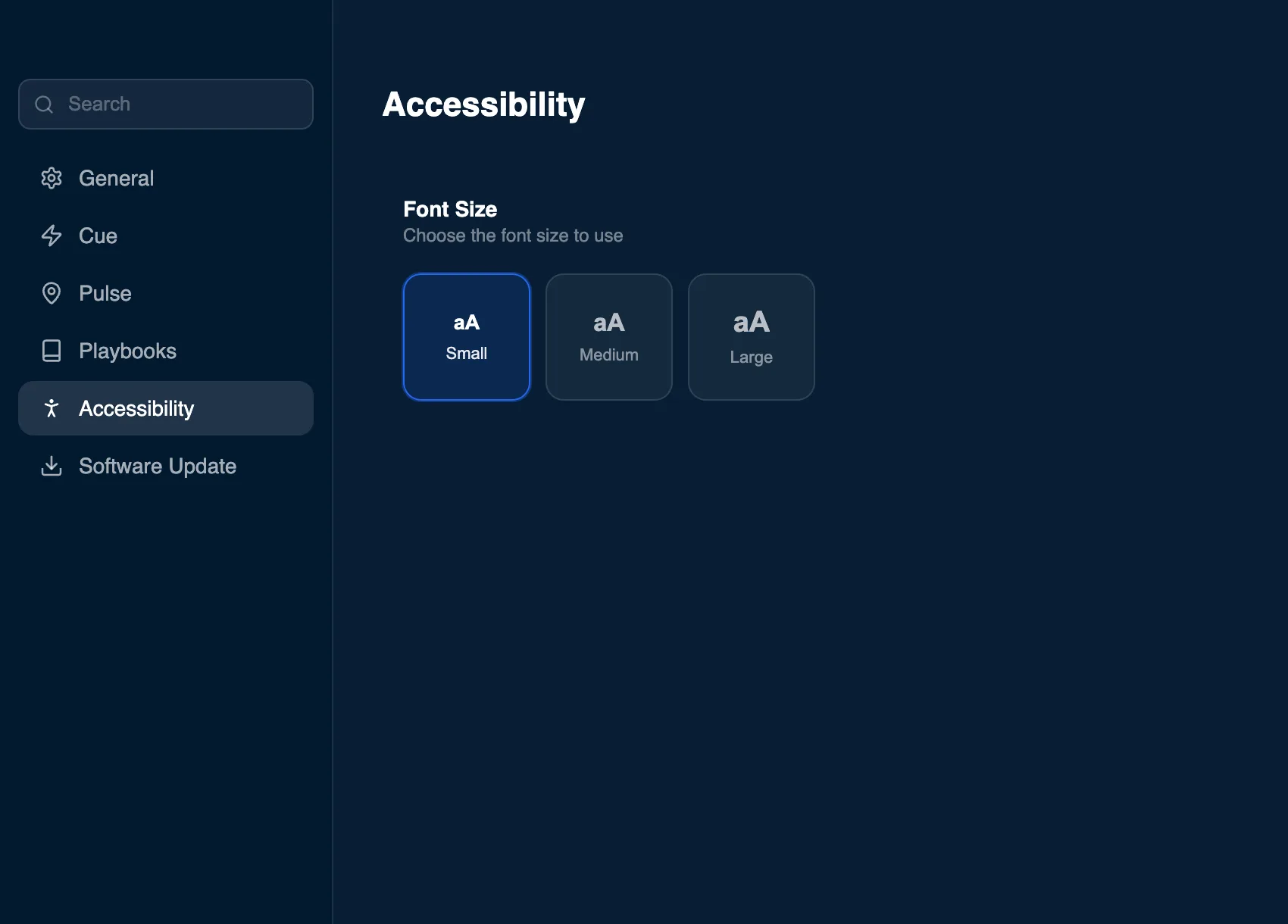
| Accessibility | Font Size | Small, Medium or Large text in the Coach widget and Playbooks. More | Small |
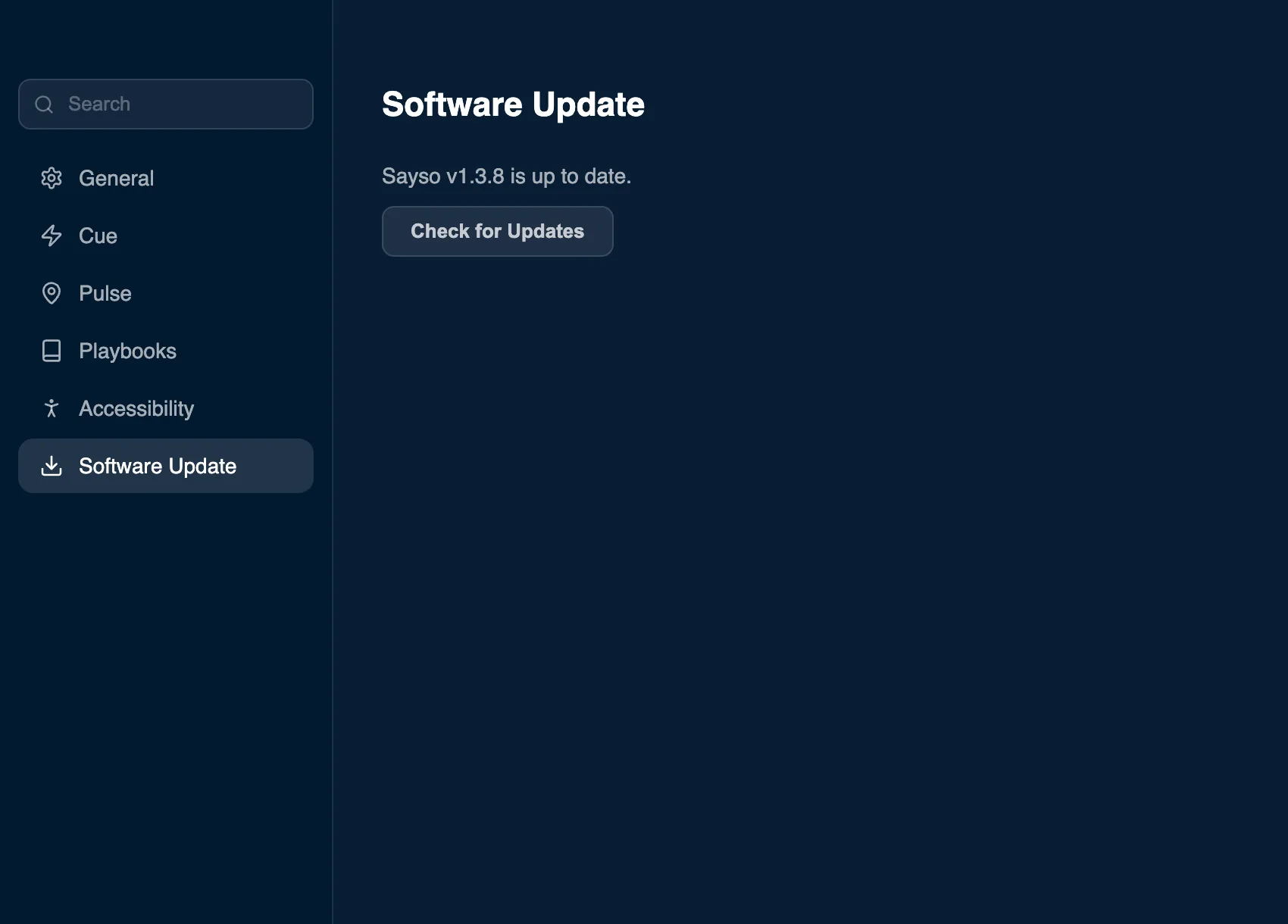
| Software Update | Shows your version and installs updates. More |
The Pulse tab only appears if Pulse is included in your account.
What each tab looks like
Cue
Pulse
Playbooks
Accessibility
Software Update
Where settings are saved
Everything except Launch at Login is saved to your Sayso account, so it follows you to any computer you sign in on. Launch at Login is set separately on each computer.
Changes to Cue, Pulse and Auto Stop apply to the next session you start.
Account settings like your name, password, two-factor authentication, CRM connections and billing live in the web app instead. See Account Settings in the web app.
Was this article helpful?
Still stuck? Email support@asksayso.com or join office hours (every Wednesday at 11am PT / 2pm ET).