Pin an insight
Updated November 23, 2026
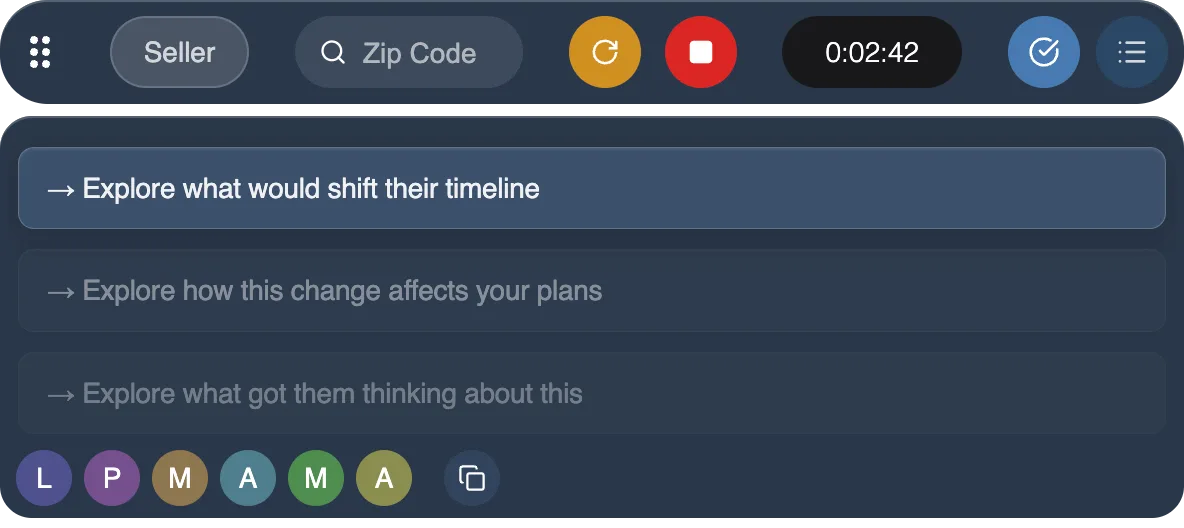
New insights push older ones down and off the list. When Cue gives you something you want to come back to, like a question you haven't asked yet, pin it.
Pin or unpin
- Click the pin icon on an insight. It moves to the top of the list, above a divider, and stays there.
- To unpin it, click the pin again. (When you hover over a pinned insight's pin, it shows a crossed-out pin.)
Limits
- You can pin up to three insights at a time. Once three are pinned, the pin on other insights shows Max 3 pins reached. Unpin one to pin another.
- Pins last for the current conversation. When you press Reset or Stop, the list starts empty for the next one.
- You can still close a pinned insight with its X.
Was this article helpful?
Still stuck? Email support@asksayso.com or join office hours (every Wednesday at 11am PT / 2pm ET).