Roll out Sayso to your team: a checklist
Updated November 23, 2026
Before you invite anyone
- Decide who will be an Admin and help you run it day to day.
- Decide whether you want teams (for example by office or by role) and whether each team gets an hour cap. See How companies and teams work.
- Take a snapshot of your CRM leaderboard (calls, conversations, appointments) for the 30 to 60 days before Sayso to compare against later.
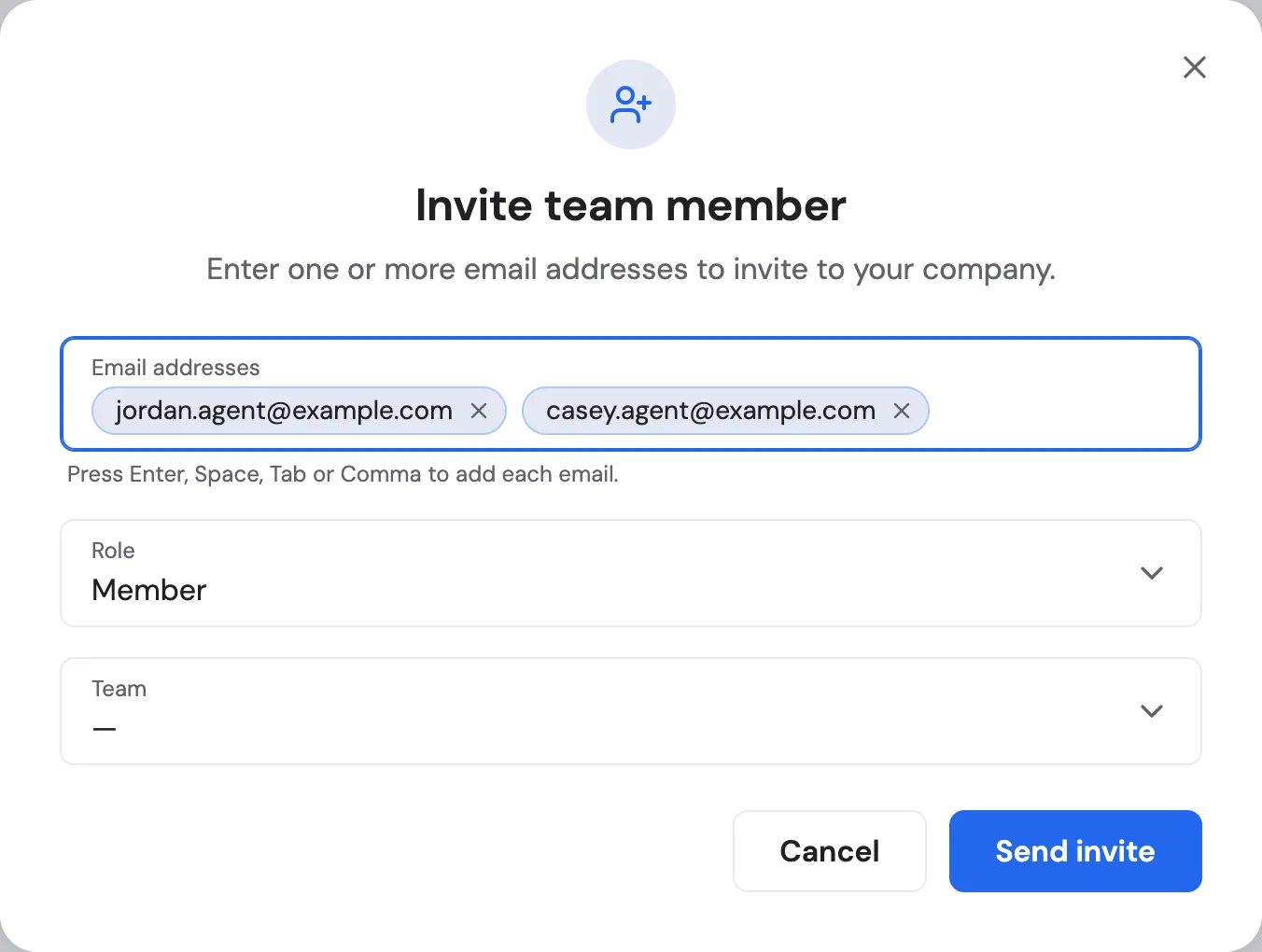
Invite and set up
- Create your teams if you're using them.
- Invite your agents and put each one on a team in the same step.
- Send each agent Join your team from an invite, the cheat sheet and Download and install Sayso.
- Watch Company > Members until everyone shows Active. Resend anything that shows Expired.
First week
- Book a 30-minute one-on-one with each agent to install Sayso, set up headphones and their dialer, and make one practice call. Use Set up your audio and Set up your dialer.
- Have each agent connect their own CRM. Connections are per agent. See CRM connections on a team.
- If you use team scripts, send agents the files to upload. See Sharing scripts with your team.
- Open a shared chat channel for questions.
After that
- Check in every two weeks.
- Read your weekly email report and use Dashboard filters to see who is using Sayso and who needs help.
- Point agents with questions to weekly office hours.
Was this article helpful?
Still stuck? Email support@asksayso.com or join office hours (every Wednesday at 11am PT / 2pm ET).