Change the text size
Updated November 23, 2026
Make the text bigger on a laptop or a monitor that's far away, or smaller on a big screen to fit more.
Change it
- Open Settings from the Sayso menu or the gear in the Coach widget.
- Click Accessibility.
- Under Font Size, choose Small, Medium or Large.
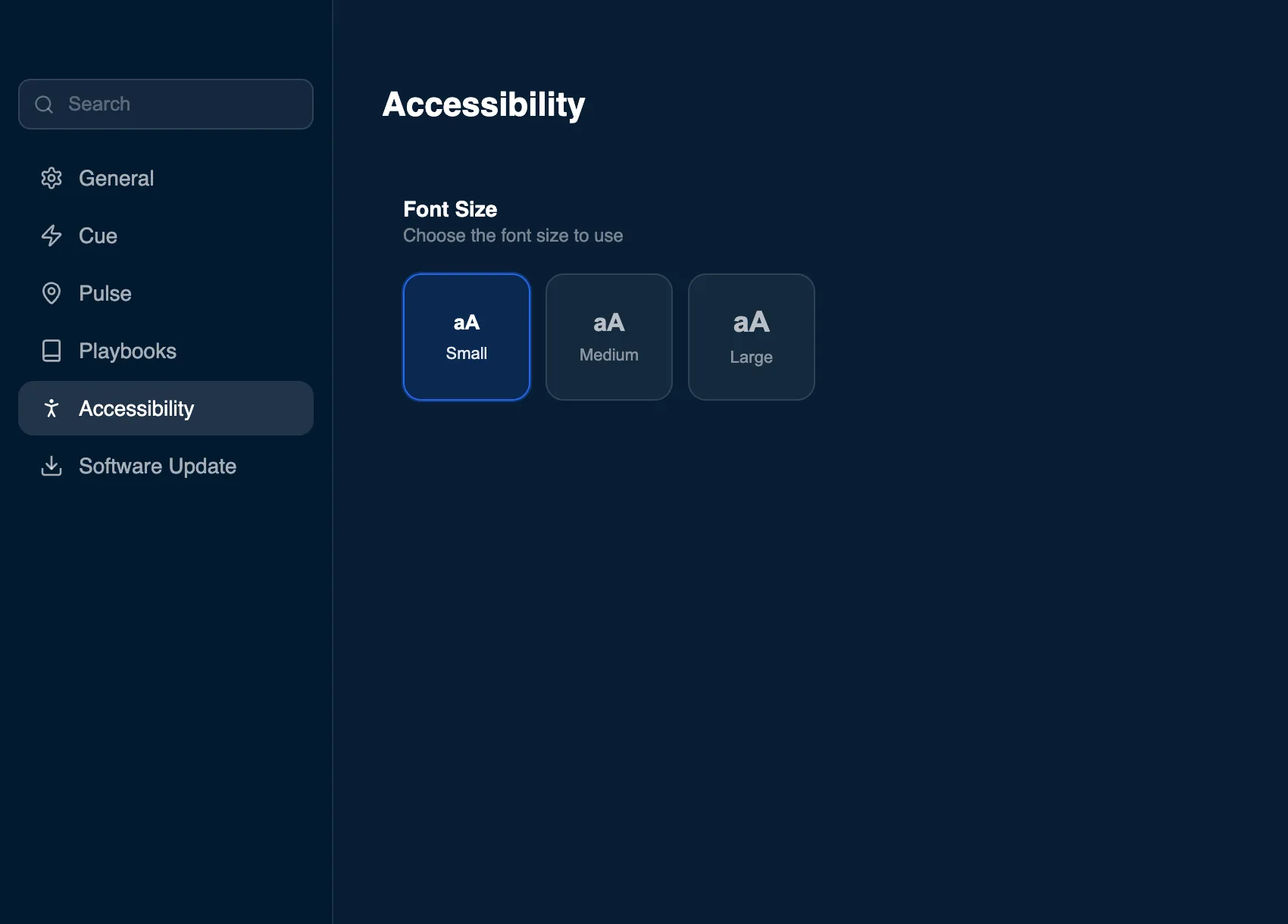
The default is Small. The size applies to the Coach widget and the Playbooks window, and the Coach widget grows to fit. It's saved to your account. If you see Failed to save. Please try again., check your internet connection and choose again.
Other ways to make the Coach widget easier to read
- Use Condensed prompts so there's less to read.
- Hide insights you don't need with their X, or hide the whole panel with the insights button and bring it back when the red dot appears.
- Move the Coach widget close to where you look while dialing.
Was this article helpful?
Still stuck? Email support@asksayso.com or join office hours (every Wednesday at 11am PT / 2pm ET).