Owner, Admin and Member roles
Updated November 23, 2026
Roles only exist on team accounts. If you have an individual Sayso account, you can do everything on your own account and none of the team tools below apply.
The three roles
- Owner. The person who subscribed to your company's team plan. There is one Owner per company. The Owner can do everything an Admin can, plus manage billing, rename the company and change roles.
- Admin. Runs the team day to day: invites agents, builds teams, sets hour caps, reads team reports and reviews every agent's conversations.
- Member. An agent who uses Sayso on their calls. Members see their own Dashboard and their own conversations.
Some desktop app messages tell agents to contact their "team leader". That is the Owner or an Admin of your company.
What each role can do
| What | Owner | Admin | Member |
|---|---|---|---|
| Use Sayso on calls and see their own Dashboard and Conversations | Yes | Yes | Yes |
| See the whole company on the Dashboard and in Conversations, filtered by team or member | Yes | Yes | No |
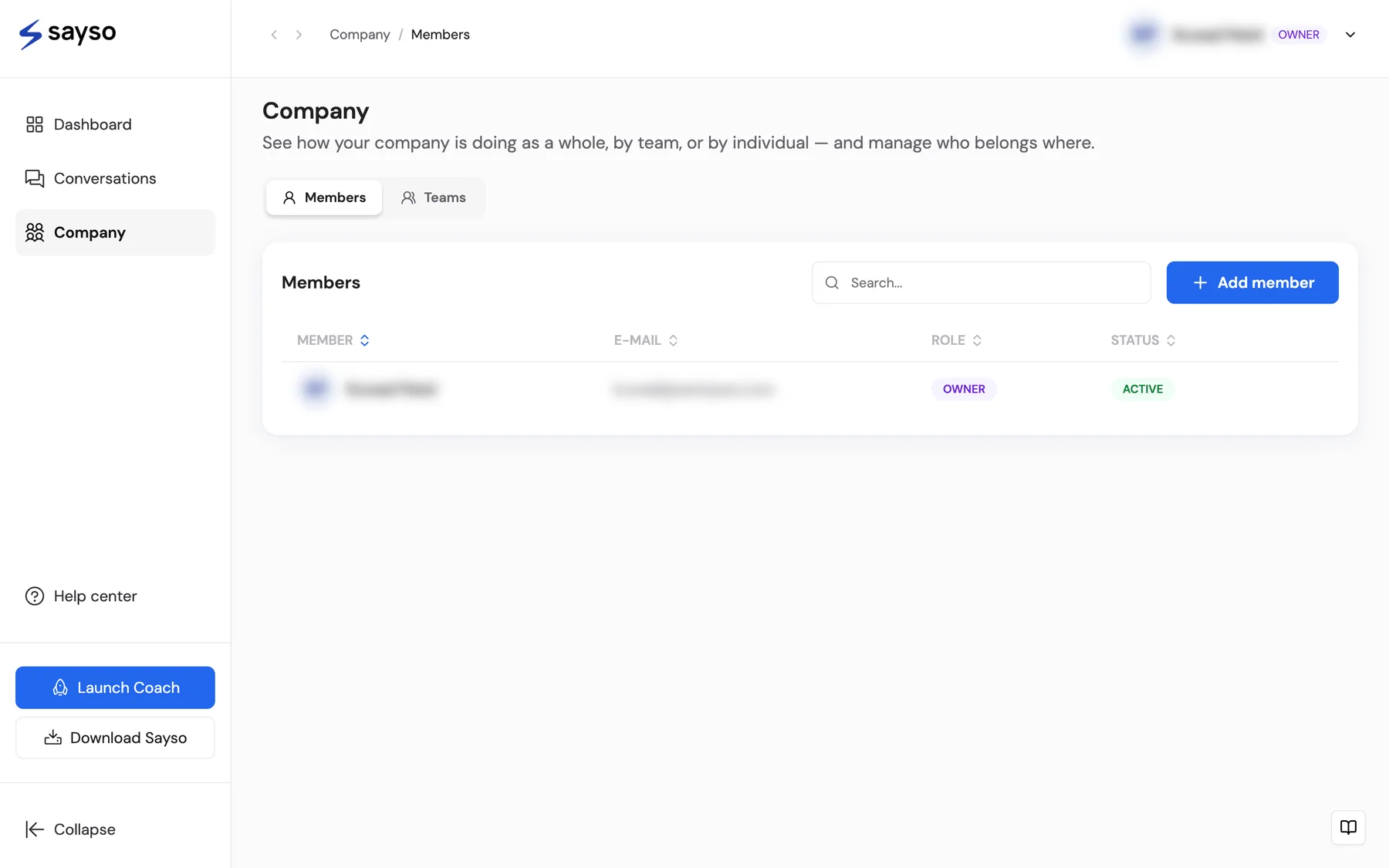
| Open the Company page (Members and Teams) | Yes | Yes | No |
| Invite agents with the Member role | Yes | Yes | No |
| Invite someone as an Admin | Yes | No | No |
| Change someone's role, or the role on a pending invite | Yes | No | No |
| Change an invite's team, resend or revoke an invite | Yes | Yes | No |
| Remove a member from the company | Yes | Yes | No |
| Create, rename and delete teams, move agents between teams, set team hours | Yes | Yes | No |
| Rename the company (Settings > Company) | Yes | No | No |
| Manage the subscription, payment method and invoices (Settings > Subscription) | Yes | No | No |
| Choose email report settings (Settings > Reports) | Yes | Yes | No |
| Get the weekly or monthly email report | Yes | Yes | No |
| Get the team hour cap warning email | Yes | Yes | No |
| Use the referral link (Settings > Referrals) | Yes | Yes | No |
| Rate Cue insights, edit Smart Capture and link a lead to the CRM | Own calls | Own calls | Own calls |
Things nobody can do in the app
- Change their own role.
- Change the Owner's role or remove the Owner.
- Make someone else the Owner. If ownership of your company needs to move to another person, email support@asksayso.com.
Admins and the Owner can open any agent's conversations, but they cannot rate Cue insights, edit Smart Capture notes or send a lead to the CRM on someone else's call. Those stay with the agent who made the call.
Related
Was this article helpful?
Still stuck? Email support@asksayso.com or join office hours (every Wednesday at 11am PT / 2pm ET).