Resend or revoke an invite
Updated November 23, 2026
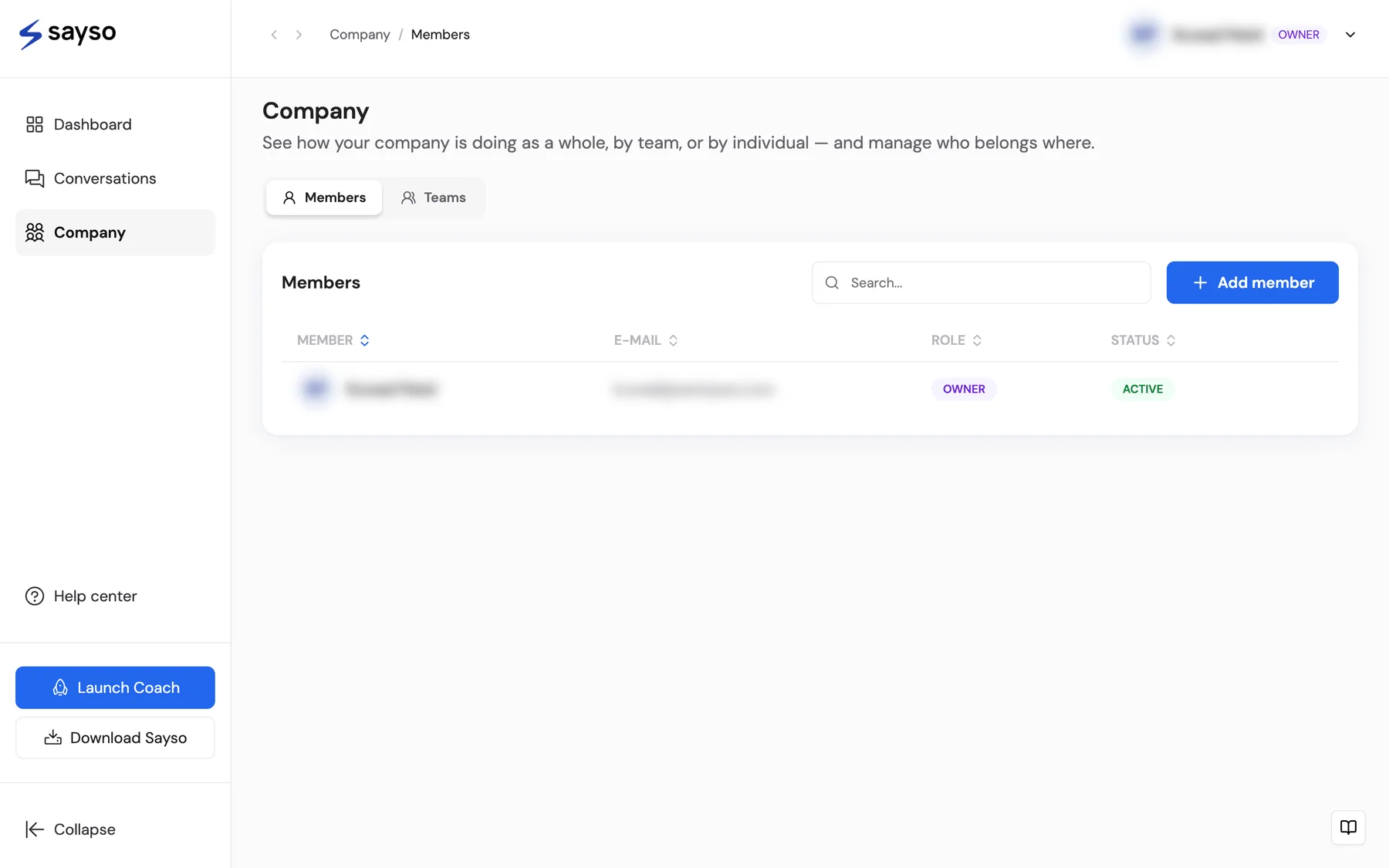
Owners and Admins can do both from Company > Members.
Resend an expired invite
Resend invite appears only on invites with the status Expired.
- Find the invite on the Members tab.
- Open the row menu and choose Resend invite.
- You will see "Invite resent." The agent gets a new email, and the invite is valid for another 14 days.
You can't resend an invite that is still Invited (not expired yet). If the agent lost the email, revoke it and send a new one with Add member. If you try to invite the same address while the first invite is still valid, it is skipped with "Invite already pending for this email".
Revoke an invite
- Find the invite on the Members tab.
- Open the row menu and choose Revoke invite.
- Confirm with Yes, revoke. You will see "Invite revoked."
The link stops working right away and the invite disappears from the list. You can invite the same email again later.
Fix a typo in the email
You can't edit the email on an invite. Revoke it, then send a new invite to the correct address.
Related
Was this article helpful?
Still stuck? Email support@asksayso.com or join office hours (every Wednesday at 11am PT / 2pm ET).