Change your password
Updated November 23, 2026
Change your password in Account Settings. Forgot your current password? Use Reset a forgotten password instead.
Change it
- In the web app, click your name in the top-right corner and choose Account Settings.
- Open Security.
- On the Password card, click Change.
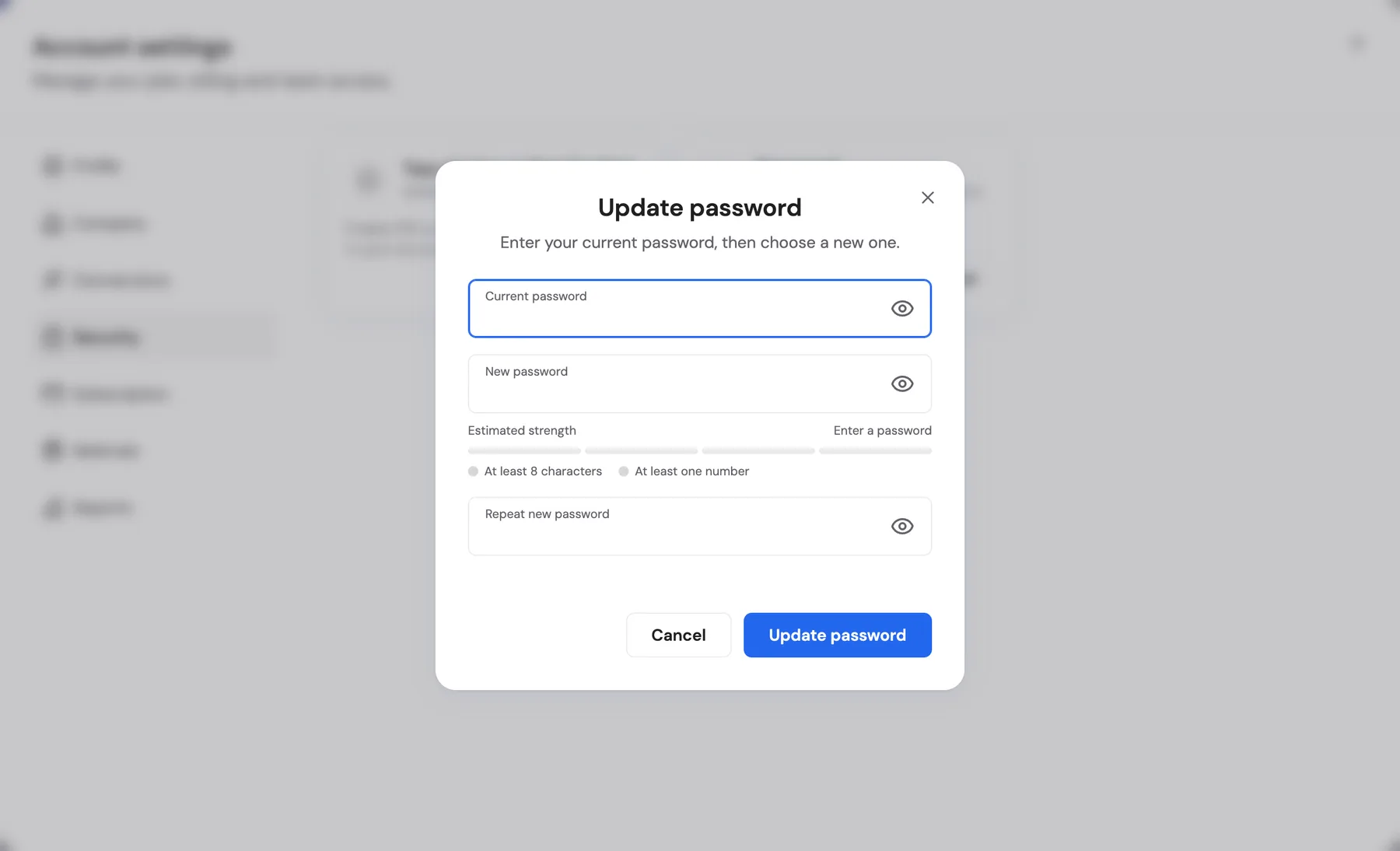
- In Update password, enter your Current password, a New password, and the new one again in Repeat new password.
- Click Update password.
You see a Password updated. message when it's done. New passwords need at least 8 characters and at least one number.
If you use two-factor authentication
With two-factor authentication on, the button says Continue instead. After you click it, enter the 6-digit code from your authenticator app to confirm the change.
After you change it
Use the new password the next time you sign in to the desktop app.
Related
Was this article helpful?
Still stuck? Email support@asksayso.com or join office hours (every Wednesday at 11am PT / 2pm ET).