Update your name and phone number
Updated November 23, 2026
Your name shows on your conversations and, if you're on a team, to your team owner and admins.
Edit your profile
- In the web app, click your name in the top-right corner and choose Account Settings. It opens on Profile.
- Edit Name, Last Name or Phone.
- Click Save changes.
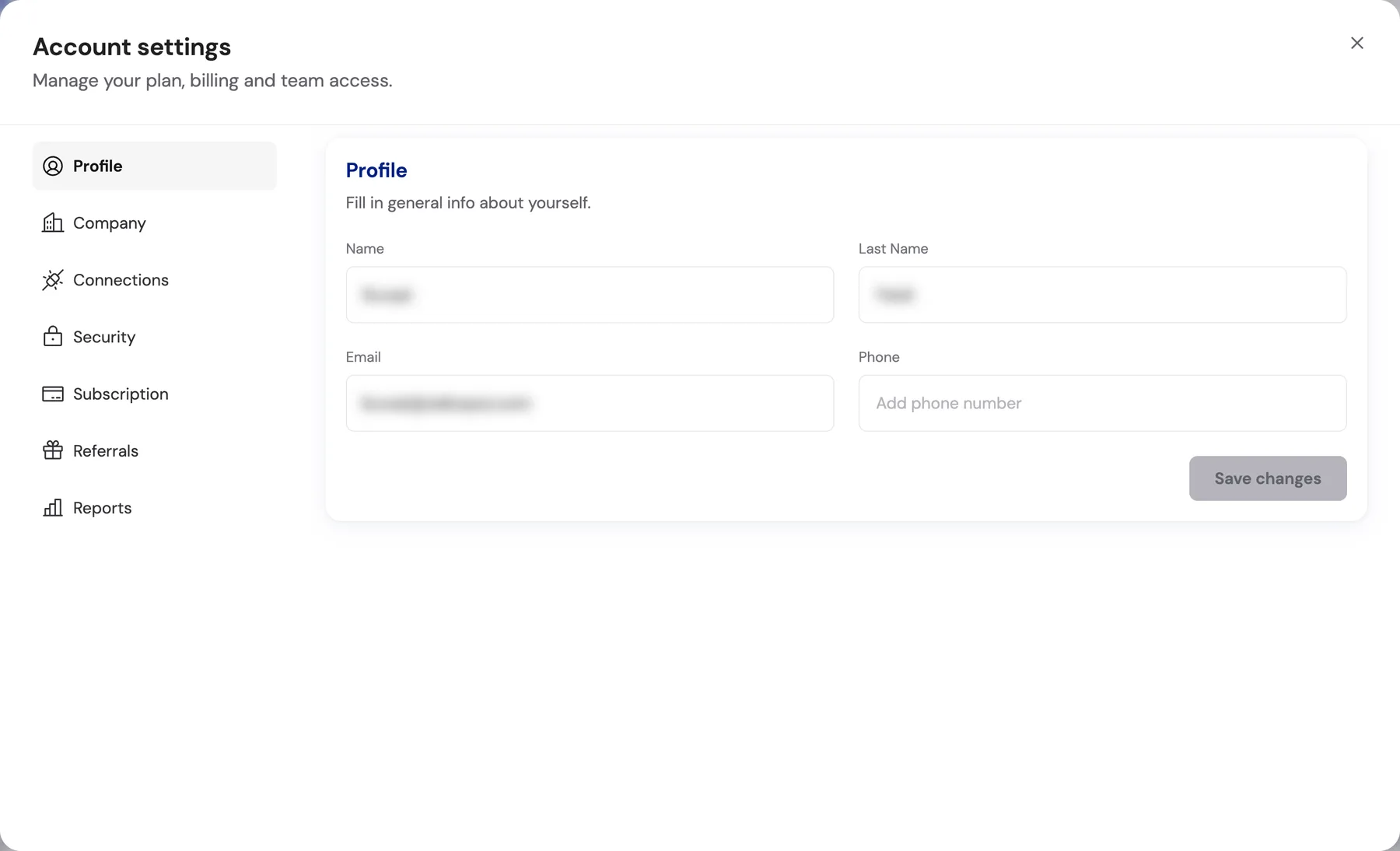
Change your email
The Email field is read-only. To move your account to a different email, contact support@asksayso.com from your current account email and tell us the new address.
Change your company name
That lives on the Company tab, and only a team owner can change it. See Rename your company.
Related
Was this article helpful?
Still stuck? Email support@asksayso.com or join office hours (every Wednesday at 11am PT / 2pm ET).