Request a feature or integration
Updated November 23, 2026
Every feature in Sayso started as a problem agents told us about. We read every request.
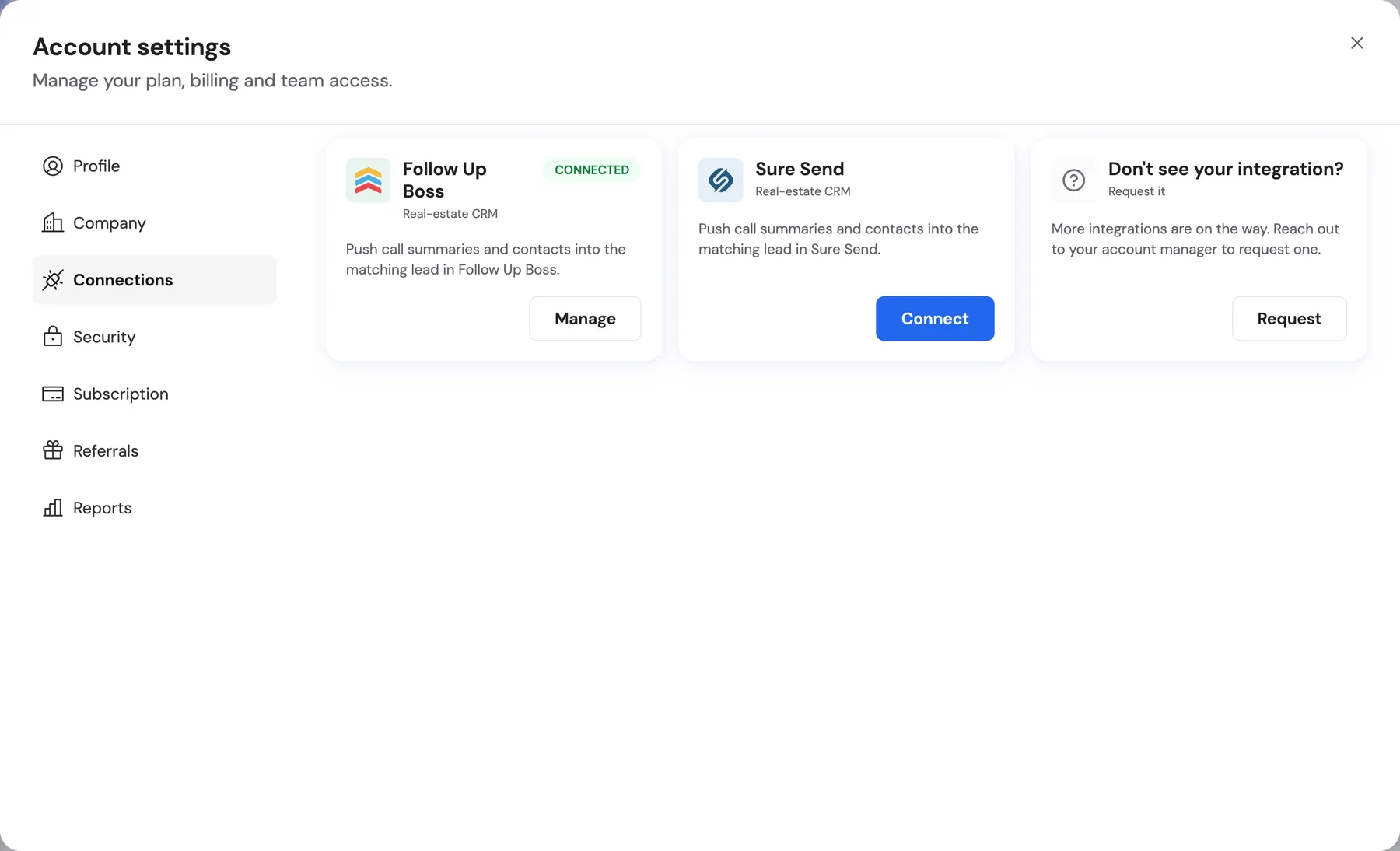
Request an integration from the web app
- Sign in at app.asksayso.com.
- Open Account Settings, then Connections.
- Next to "Don't see your integration?", click Request.
- Your email app opens a message to support. Fill it in and send it.
Request anything by email
Email support@asksayso.com with:
- What you want. The tool's name, or the feature you have in mind.
- What it should do. For an integration, say whether you want Sayso to send notes to it, pull leads from it, or something else.
- How often you would use it. Every call, every day, once a week.
- Why it matters to you. The problem it solves on your calls.
What works today
Sayso connects directly to Follow Up Boss and Sure Send. It also works alongside any CRM, dialer or lead source, as long as your calls play through your computer. See Works with your dialer and CRM.
You can also bring ideas to weekly office hours.
Was this article helpful?
Still stuck? Email support@asksayso.com or join office hours (every Wednesday at 11am PT / 2pm ET).