Add agents to a team
Updated November 23, 2026
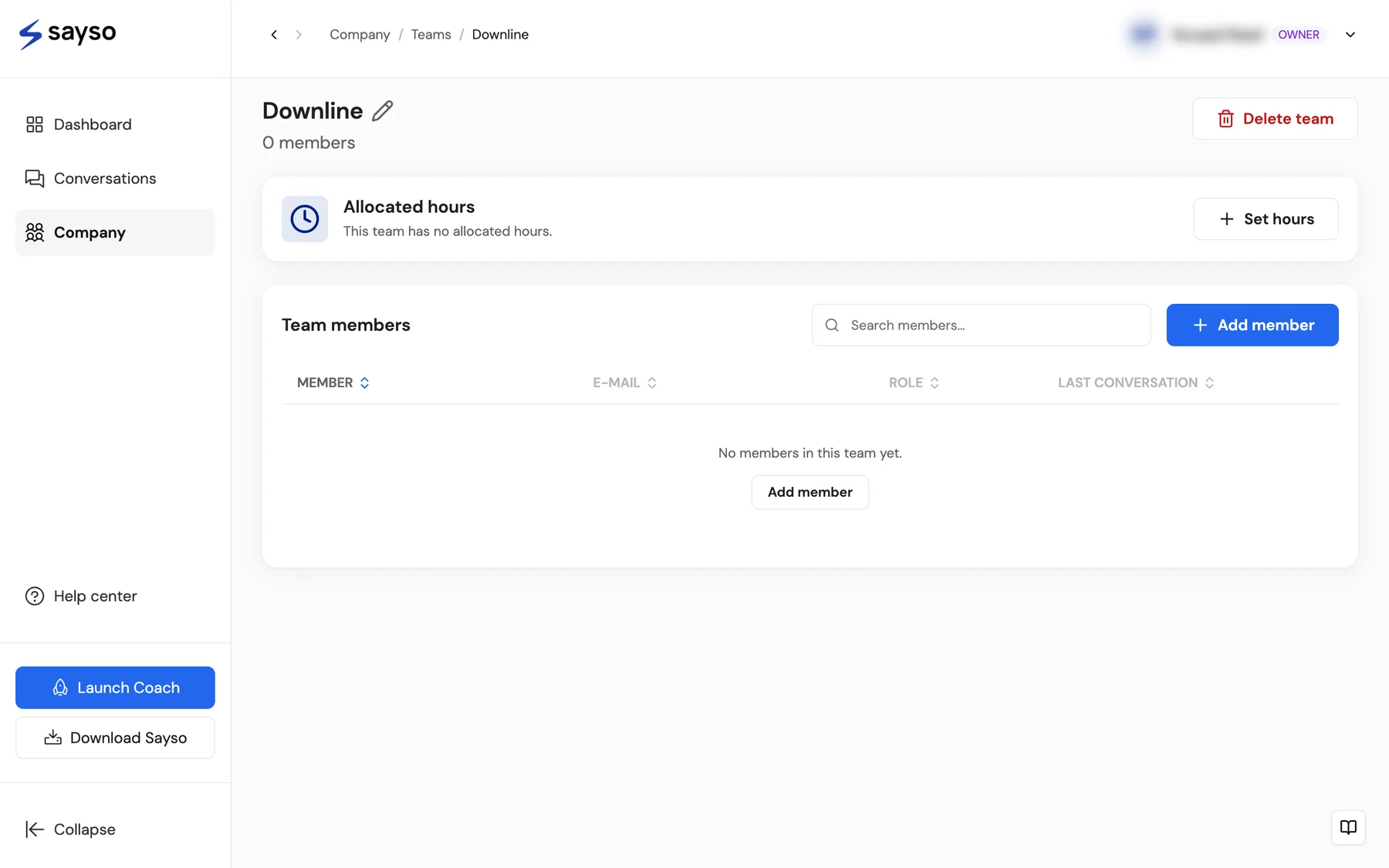
- Open Company > Teams and click the team.
- In Team members, click Add member.
- In Members, pick one or more people. Anyone already on a team is greyed out.
- Click Save. You will see "Member added." or "Members added."
Only people who have joined your company can be added this way. For someone who hasn't joined yet, choose the team when you invite them, or change it later with Change team on their invite.
Adding an agent to a team is never blocked by the team's hour cap. The cap only stops new coaching sessions once the team has used its hours.
The Team members list
| Column | What it shows |
|---|---|
| Member | Their name. |
| Their sign-in email. | |
| Role | Owner, Admin or Member. |
| Last conversation | When they last used Sayso on a call, or "No conversations yet". |
Related
Was this article helpful?
Still stuck? Email support@asksayso.com or join office hours (every Wednesday at 11am PT / 2pm ET).