Refer an agent and earn credit
Updated November 23, 2026
Share your referral link with other agents.
Get your link
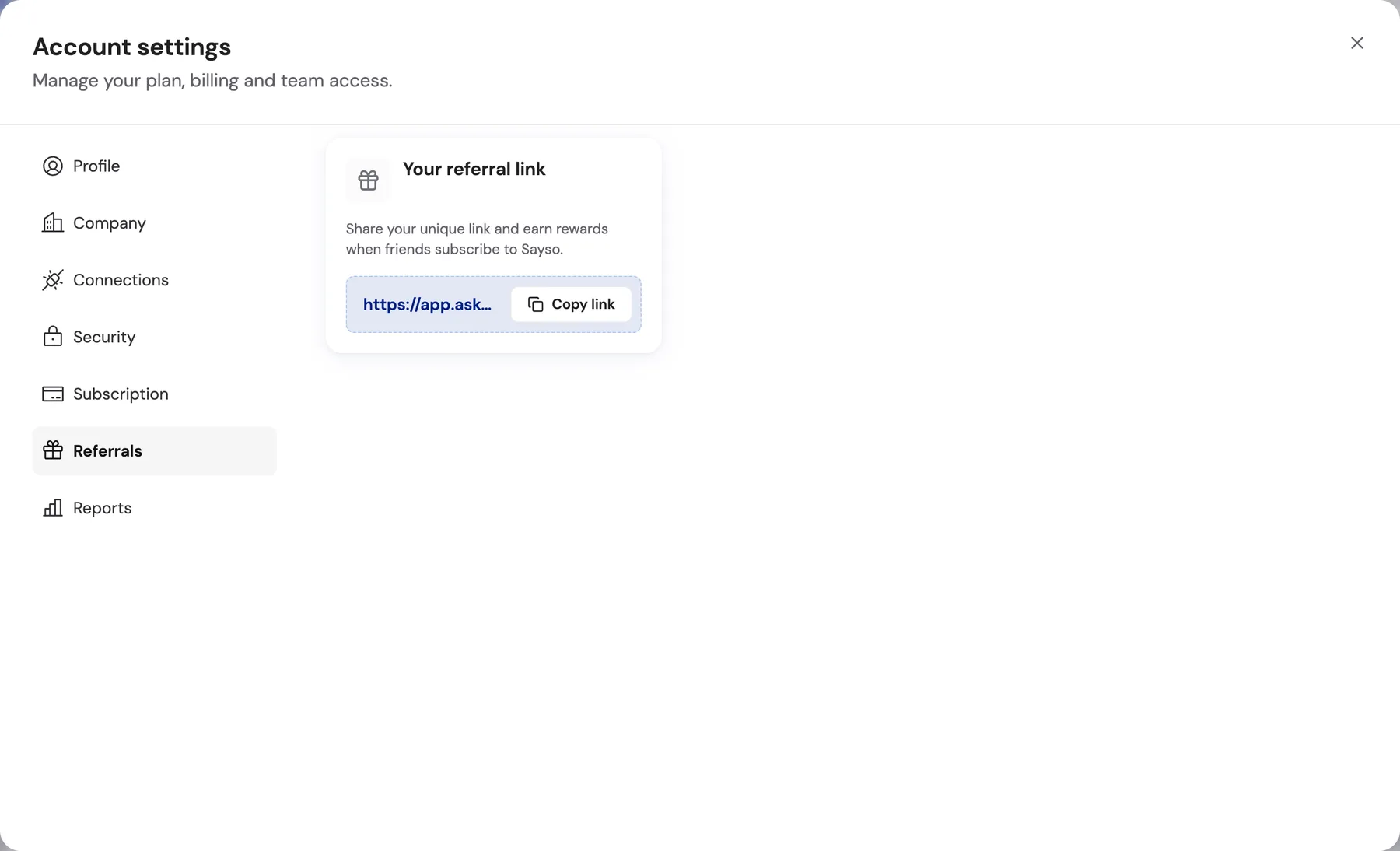
- Click your name in the top-right corner and choose Account Settings.
- Open Referrals.
- Under Your referral link, click Copy link. You see Referral link copied!
Paste it in a text, an email or a post.
How the reward works
- The agent opens your link and creates their Sayso account.
- They get $25 off when they subscribe.
- When they pay their first invoice, $25 in credit is added to your Sayso billing account.
- Your credit comes off your next invoice automatically.
The agent needs to sign up through your link for it to count.
Who has a referral link
Agents with their own plan, and team owners and admins. Agents on a team plan don't see the Referrals tab.
Related
Was this article helpful?
Still stuck? Email support@asksayso.com or join office hours (every Wednesday at 11am PT / 2pm ET).