Request a CRM or integration
Updated November 23, 2026
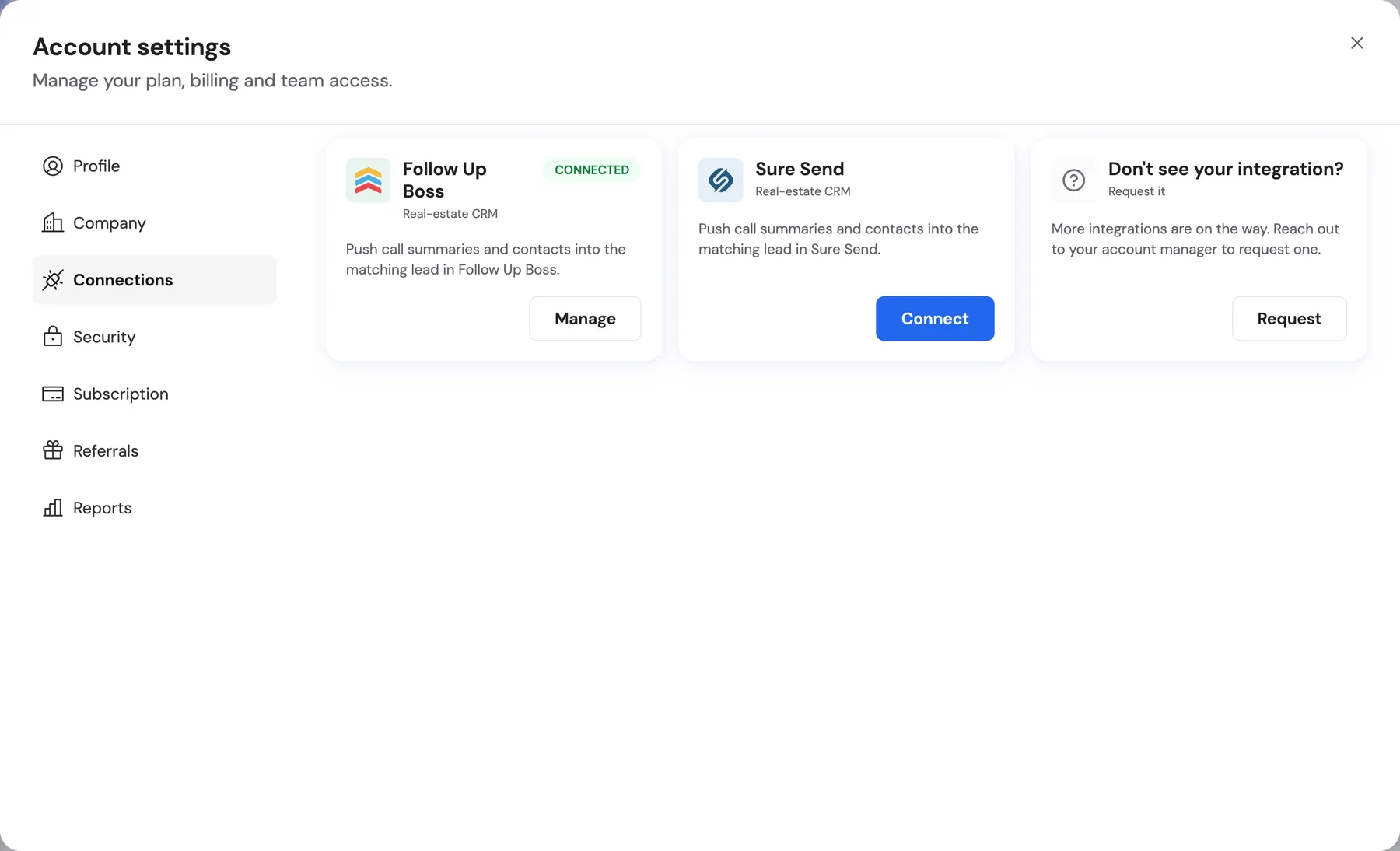
Sayso connects with Follow Up Boss and Sure Send. Sayso works alongside any CRM, dialer or lead source, but only those two receive call notes directly.
Send a request
- Open Account Settings > Connections.
- On the Don't see your integration? card, click Request.
- Your email app opens a message to support@asksayso.com. Tell us:
- Which tool you use
- What you'd want Sayso to do with it (for example, send call notes to the lead)
- How often you'd use it
Until your CRM is connected
Copy your Smart Capture notes from the conversation and paste them into your CRM. You can also copy them from the desktop app right after the call.
Related
Was this article helpful?
Still stuck? Email support@asksayso.com or join office hours (every Wednesday at 11am PT / 2pm ET).