What's saved for each conversation
Updated November 23, 2026
When you press Stop in the desktop app, Sayso saves the call as a conversation.
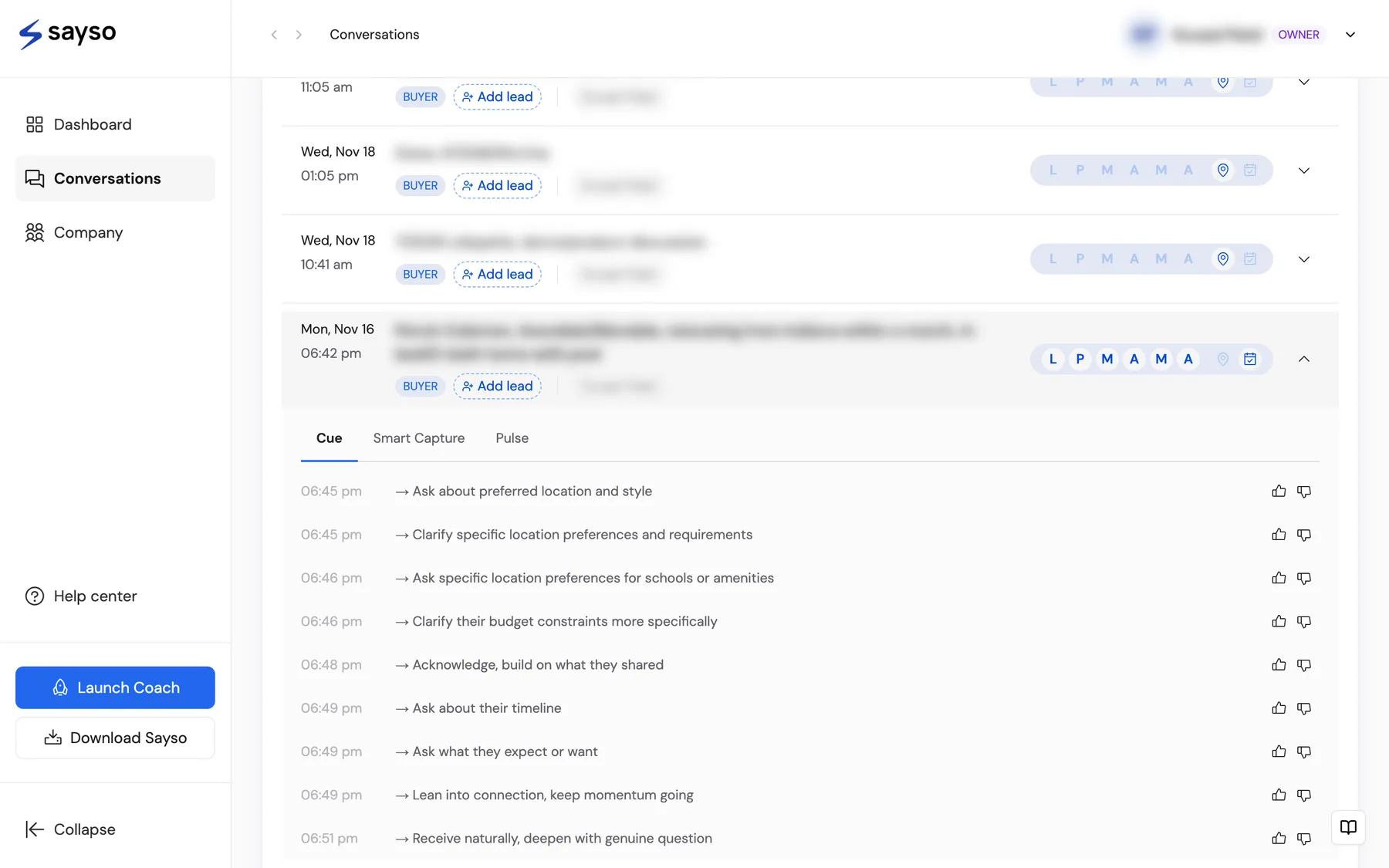
What you see in the web app
- A short summary of the call
- Every Cue insight you were shown, with its time
- Your Smart Capture notes (LPMAMA)
- Pulse market data, if you used it
- Whether an appointment was booked
- The lead type you chose (Buyer or Seller)
- The date, time and length of the call
- The CRM lead you linked, if any
What Sayso keeps that you don't see
- A text transcript of the conversation. Sayso uses it to write your summary, Smart Capture notes and Coach Tips. The web app doesn't show the transcript.
- The type of call (for example a conversation, a voicemail or a call that didn't connect). Sayso uses it to keep voicemails out of your list and your stats.
What Sayso never stores
Audio. Sayso listens during an active session to transcribe the call as it happens, but it never records or saves the audio.
Who can see your conversations
- You.
- If you're on a team: your company's owners and admins. They can read your conversations but can't edit your notes or rate your insights.
Delete a conversation
You can't delete a single conversation from the web app. To ask for your data to be removed, see Delete your account or your data.
Related
Was this article helpful?
Still stuck? Email support@asksayso.com or join office hours (every Wednesday at 11am PT / 2pm ET).