Join your team from an invite
Updated November 23, 2026
Accept your invite
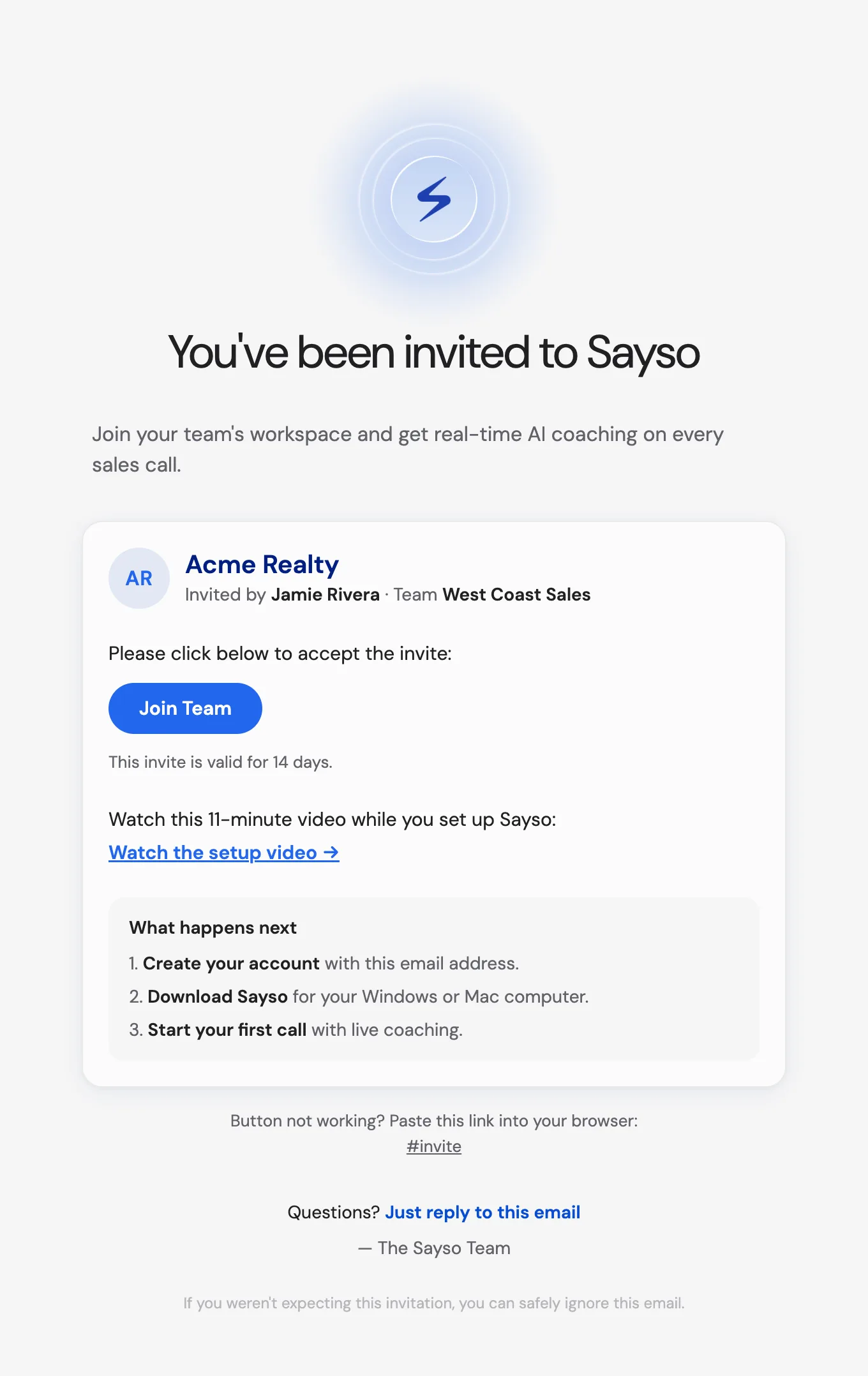
- Open the invite email from Sayso and click the link. Use the full link from the email.
- You'll see You've been invited and a Join button with your company's name.
- Enter your First name, Last name and a Password, then confirm the password. Your email is already filled in from the invite.
- Click Join followed by your company name.
You don't pick a plan. Your company's subscription covers you. You land on your Dashboard, where you can download the desktop app.
Use the email address the invite was sent to. If you want to use a different email, ask your admin to send a new invite to that address.
If the invite doesn't work
| What you see | What it means | What to do |
|---|---|---|
| This invite has expired | Invites last 14 days. | Ask your admin to resend it. |
| This invite has been revoked | Your admin cancelled this invite. | Ask your admin for a new invite. |
| This invite link isn't valid | The link is incomplete or wrong. | Open the full link from the email. If it still fails, ask your admin. |
| This invite has already been accepted | Your account already exists. | Sign in at app.asksayso.com. |
| Too many attempts | Too many tries in a short time. | Wait a minute, then try again. |
Already have your own Sayso account?
If you signed up on your own before your team invited you, the invite can't create a second account with the same email. Email support@asksayso.com with your email address and your team's name, and we'll fix it with your admin.
What changes when you join a team
- Your coaching minutes come from your team's plan, not your own subscription.
- Your team's owners and admins can see your conversations and activity. See What your team admin can see.
- Billing is handled by your team's owner, so you won't see billing options in Settings.
Was this article helpful?
Still stuck? Email support@asksayso.com or join office hours (every Wednesday at 11am PT / 2pm ET).