Which Mac do I have: Apple Silicon or Intel?
Updated November 23, 2026
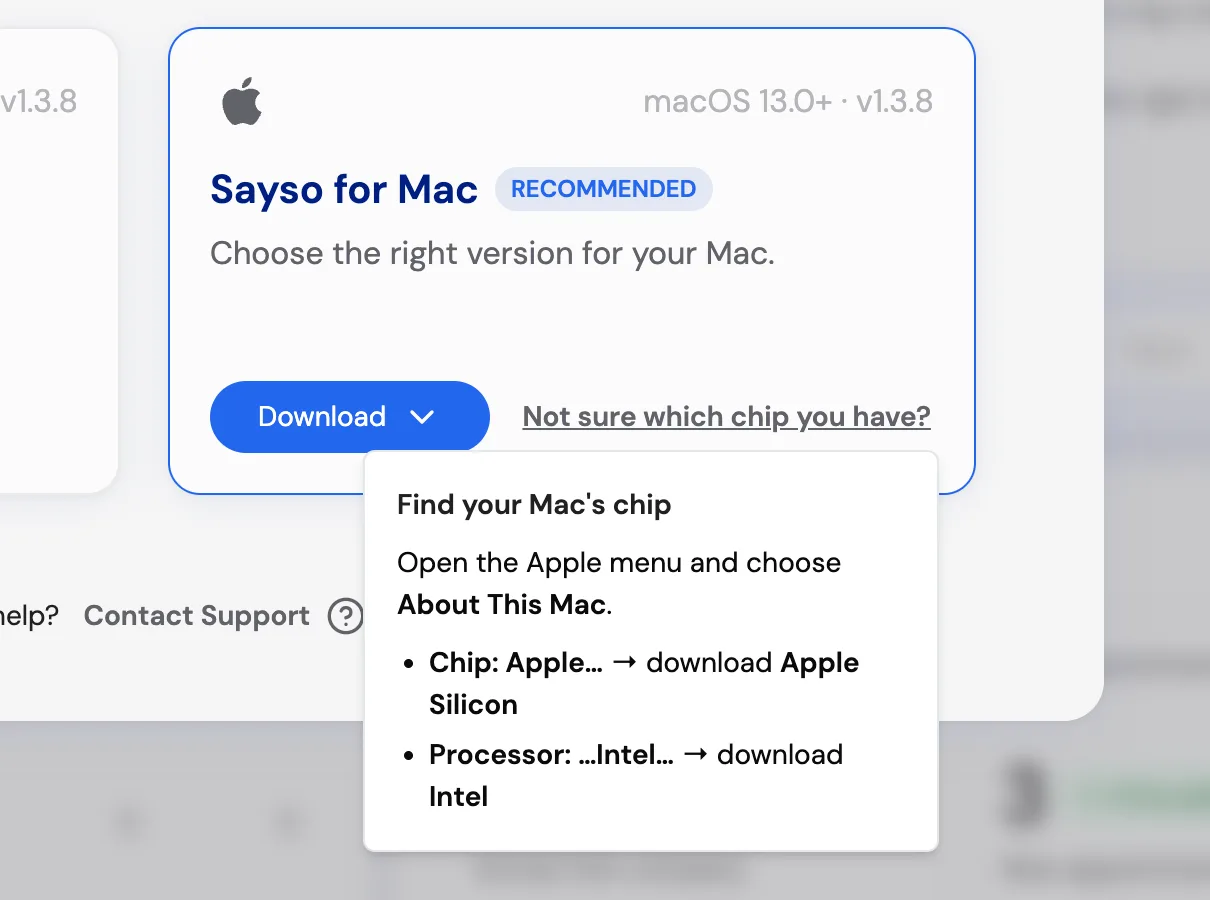
Sayso has one version for Macs with Apple Silicon and one for Macs with an Intel processor. The wrong version can install fine and then fail without a clear error, so check before you download.
Check your chip
- Click the Apple menu in the top-left corner of your screen.
- Click About This Mac.
- Look at the line that says Chip or Processor.
| What you see | Download |
|---|---|
| Chip: Apple M1, M2, M3, M4 or newer | Apple Silicon |
| Processor: something with Intel in it | Intel |
Not sure? Most Macs bought in late 2020 or later have Apple Silicon. Most Macs from 2019 or earlier are Intel.
Already installed the wrong version?
- Quit Sayso from the Sayso menu (click the Sayso icon in the menu bar, then Quit).
- Open your Applications folder and drag Sayso to the Trash.
- Download the right version and install it again. See Install Sayso on a Mac.
Was this article helpful?
Still stuck? Email support@asksayso.com or join office hours (every Wednesday at 11am PT / 2pm ET).