Inviting an agent who already has a Sayso account
Updated November 23, 2026
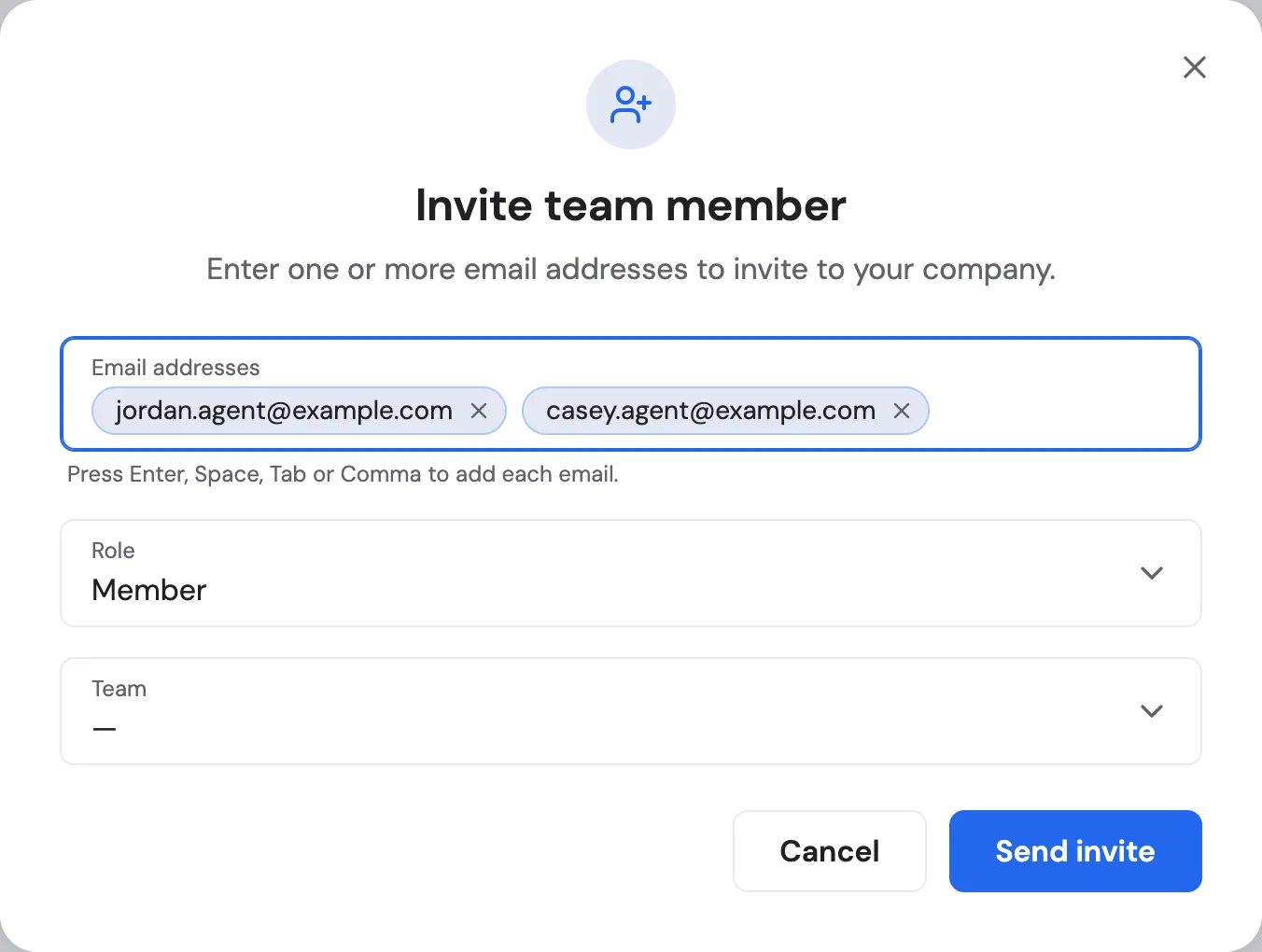
Each email can belong to one Sayso account. If an agent created their own account first, your invite reaches them, but when they try to accept they see "An account with this email already exists. Try signing in instead." Signing in takes them to their own account, not your company.
How to fix it
- Email support@asksayso.com from your account. Include the agent's email and your company name.
- We remove their solo account so your invite can go through. If the agent wants to keep anything from their solo account, such as Smart Capture notes, they should copy it before you write to us.
- If your invite expired in the meantime, use Resend invite on the Members tab.
- The agent opens the invite and creates their team account.
If the agent pays for their own plan, ask them to tell support whether to cancel it, so they aren't charged for both.
Another option
The agent can accept your invite with a different email address they control. Revoke the first invite and send a new one to that address.
Related
Was this article helpful?
Still stuck? Email support@asksayso.com or join office hours (every Wednesday at 11am PT / 2pm ET).