Remove an agent from your company
Updated November 23, 2026
This can't be undone
Remove member permanently deletes the person's Sayso account and their history, including their conversations. It is not a deactivation. They can no longer sign in to the web app or the desktop app. To add them again later you send a new invite, and they start with a new, empty account.
Before you remove someone
- If you only want them off a team, use Remove from team on the team's page instead. See Move an agent to another team or off a team.
- Review or copy anything you want to keep from their conversations first, such as summaries and Smart Capture notes. Notes they already sent to Follow Up Boss or Sure Send stay in your CRM.
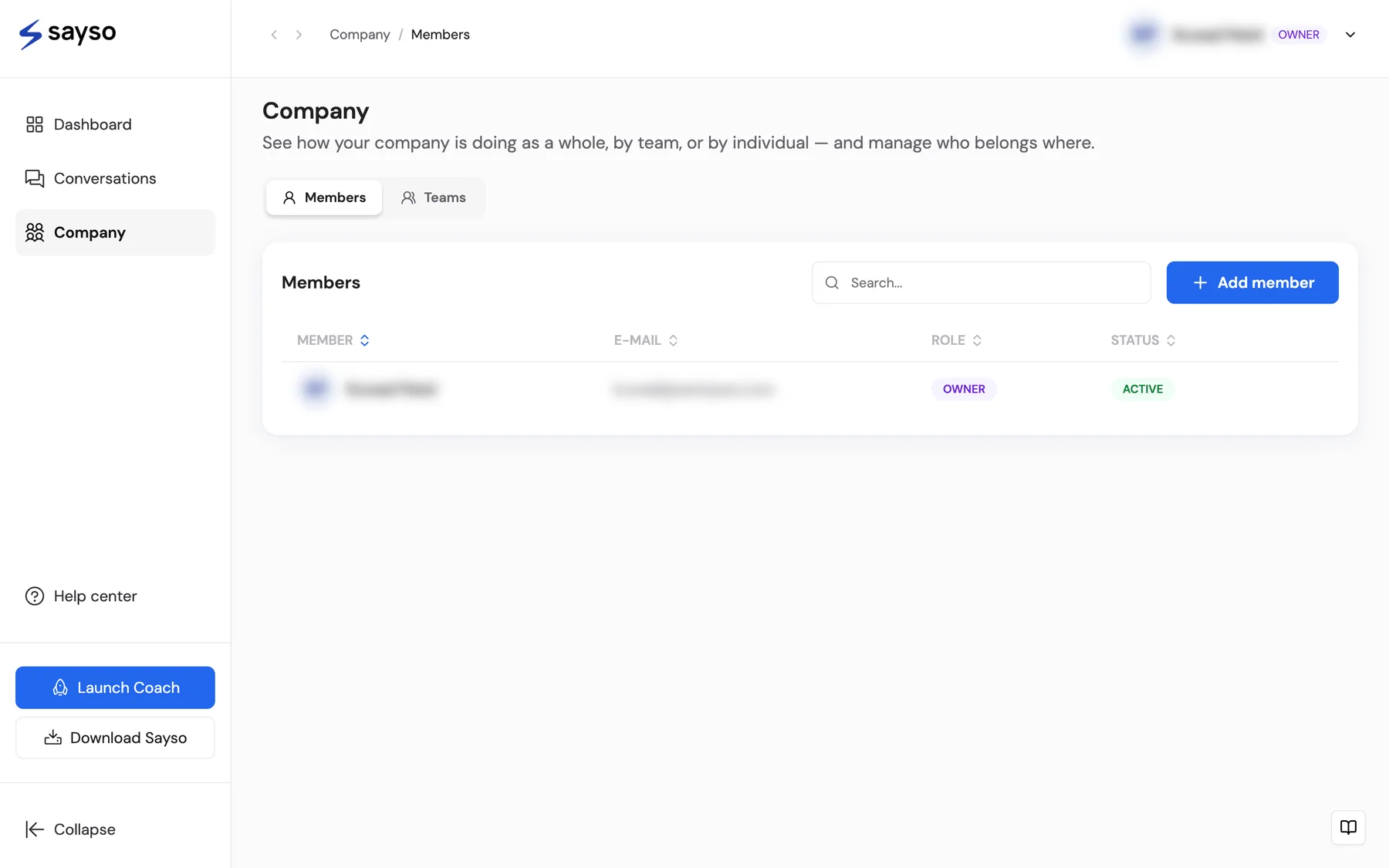
Remove a member
- Open Company > Members.
- Open the person's row menu and choose Remove member.
- Read the message: "This action cannot be undone. Their account and history are permanently deleted, not deactivated."
- Click Yes, remove. You will see "Member removed."
Who can remove whom
- The Owner and Admins can remove Members and Admins.
- Nobody can remove the Owner, and you can't remove yourself.
Related
Was this article helpful?
Still stuck? Email support@asksayso.com or join office hours (every Wednesday at 11am PT / 2pm ET).