What to do after each call
Updated November 23, 2026
1. Open Conversations
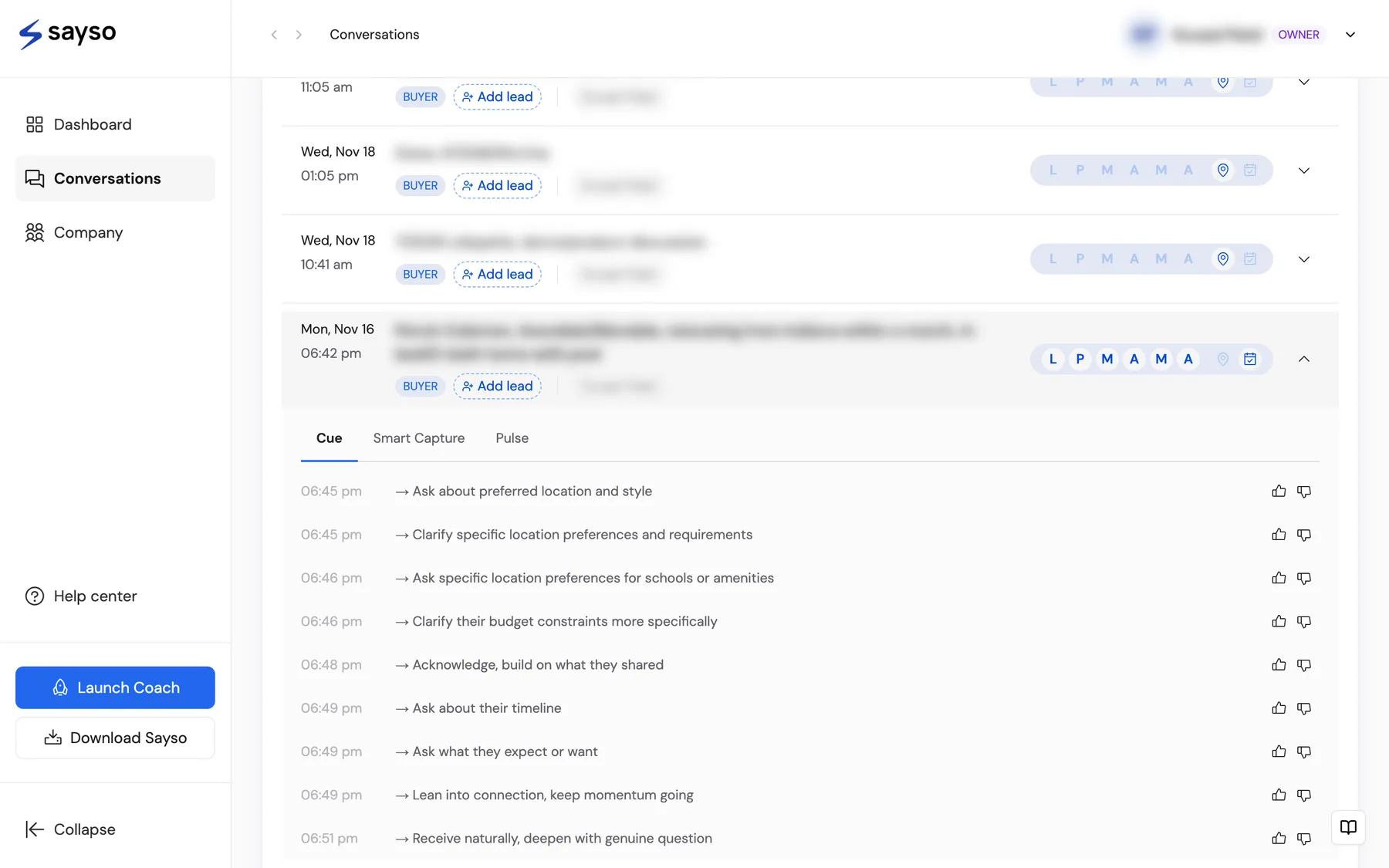
Go to app.asksayso.com and click Conversations. Each conversation from your dial block is there, newest first, with a summary at the top. A brand-new conversation shows Creating conversation summary for a moment while Sayso writes it.
Use the search box or Filters to find a specific call. See Search and filter conversations.
2. Check the notes
Open a conversation and look at the Smart Capture tab. Fix anything Sayso heard wrong or missed. See Edit Smart Capture notes after a call.
3. Send the notes to your CRM
If you've connected Follow Up Boss or Sure Send, click Add lead on the conversation to link it to the lead and send your notes. See Send your notes to your CRM.
Using a different CRM? Copy the notes from the Smart Capture tab and paste them in.
4. Rate the insights
On the Cue tab, give insights a thumbs up or thumbs down. Ratings tell Sayso which prompts help. See Rate Cue's insights.
5. Book the follow-up
If you set an appointment, the conversation shows Booked. Send the calendar invite and add the appointment in your CRM the way you normally do. Sayso tracks booked appointments on your Dashboard but doesn't create them in your calendar.
Do this right after each dial block.
Was this article helpful?
Still stuck? Email support@asksayso.com or join office hours (every Wednesday at 11am PT / 2pm ET).