Reset a forgotten password
Updated November 23, 2026
If you can't remember your password, reset it from the web app sign-in page. The same password works in the web app and the desktop app.
Request a reset link
- Go to app.asksayso.com/login and click Forgot password?.
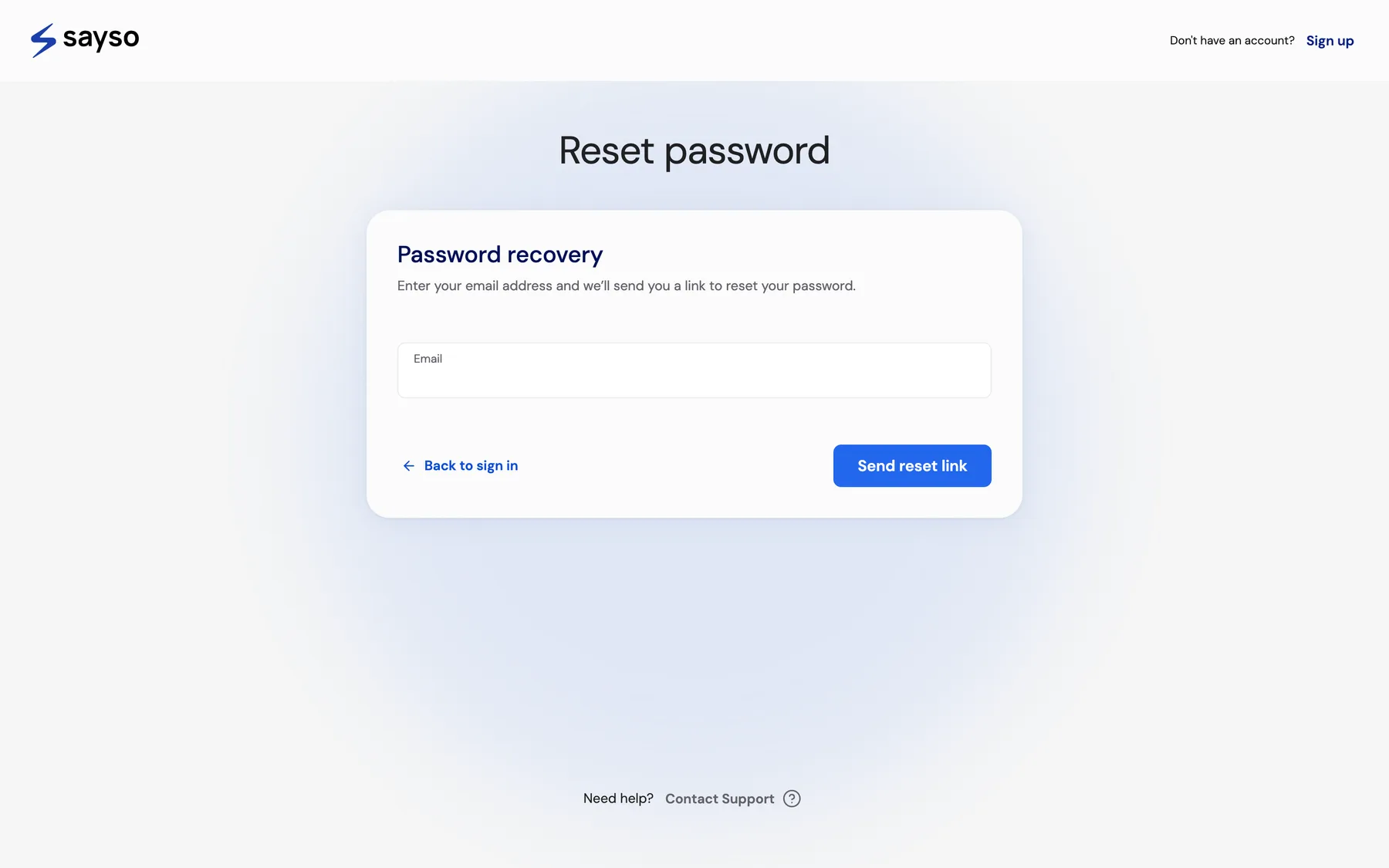
- On the Reset password page, enter the email you use for Sayso.
- Click Send reset link.
A note confirms that if an account exists for that email, a recovery link was sent. Check your inbox and your spam folder.
Didn't get it? Wait for the countdown to finish, then click Resend reset link.
On the desktop app sign-in screen, Forgot password? opens this same page in your browser.
Create a new password
- Open the email and click the reset link.
- On Create new password, enter your new Password and type it again in Repeat password. It needs at least 8 characters and at least one number.
- Click Reset password.
Then sign in with your new password on the web app and on the desktop app.
The link says it expired
Reset links only work for a limited time. If you see that the link has expired or is no longer valid, click Request new link and start again.
Related
Was this article helpful?
Still stuck? Email support@asksayso.com or join office hours (every Wednesday at 11am PT / 2pm ET).