Report a bug
Updated November 23, 2026
Check the quick fixes first
Check these known fixes first:
- Why am I not seeing prompts?
- Sayso hears me but not the lead
- My microphone isn't working
- The Coach widget or Sayso won't open
If none of those help, report the bug.
How to report a bug
- Write down what happened: what you clicked, what you expected, and what you saw instead.
- Take a screenshot of any error message or anything that looks wrong.
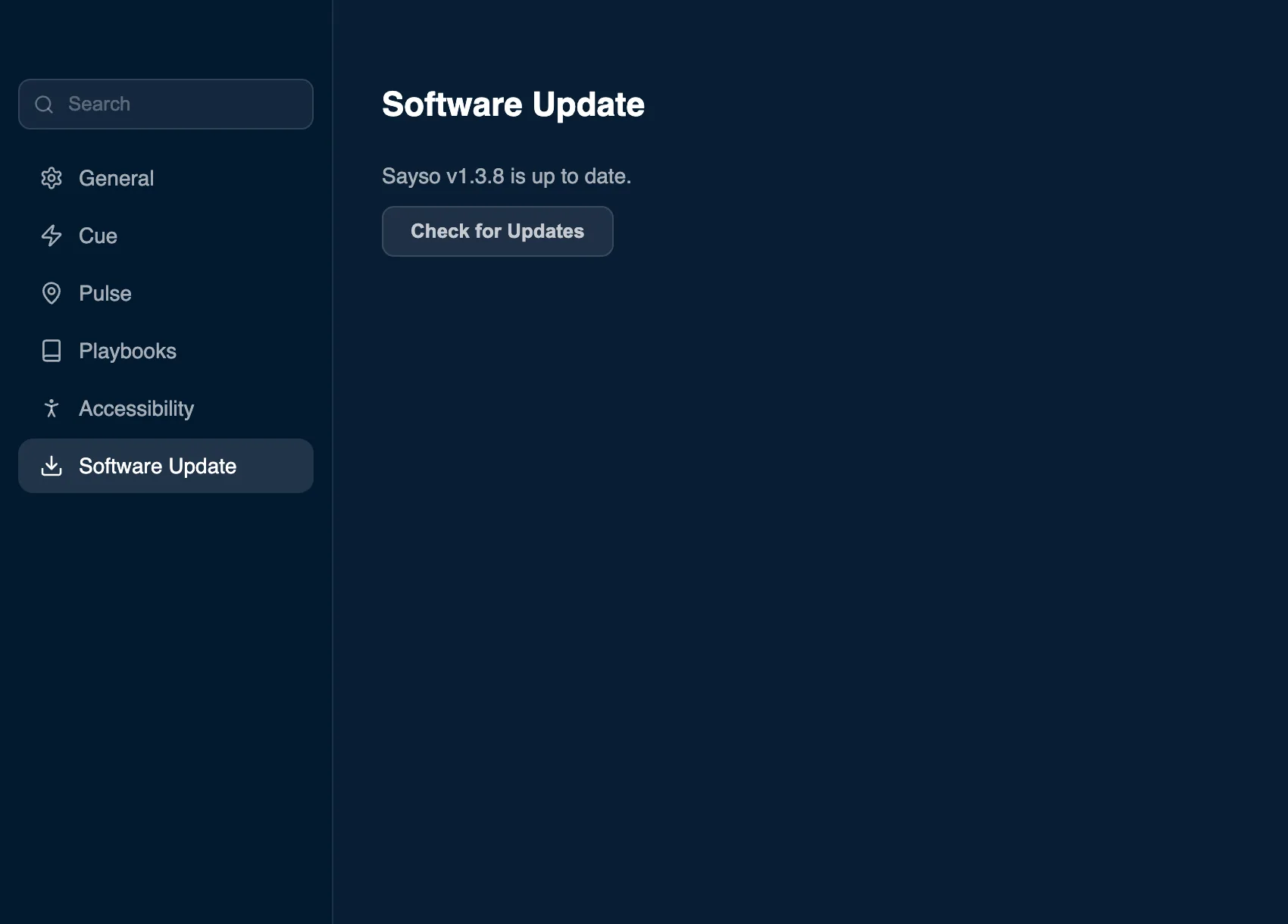
- Find your Sayso version. In the desktop app, open the Sayso menu, choose Settings, then Software Update.
- If the bug is in the desktop app, find your log file for that day. See Send your logs.
- Email everything to support@asksayso.com with "Bug report" in the subject.
Copy this into your email
Subject: Bug report

Account email:
Company (if you are on a team):
Mac or Windows (and version):
Sayso version:
Date and time it happened (with time zone):
Where it happened: desktop app or web app
What I did:
What I expected:
What happened instead:
Does it happen every time? Yes / No / Sometimes
Attached: screenshot / logs
The time of day matters most. Logs cover every minute you had Sayso open, so "around 2:15pm Eastern" lets us go straight to the right moment.
What happens next
The team reads every report. We may ask a follow-up question or ask you to try something and tell us what you see. If it is easier to show us, bring it to office hours.
Was this article helpful?
Still stuck? Email support@asksayso.com or join office hours (every Wednesday at 11am PT / 2pm ET).