Review your agents' conversations
Updated November 23, 2026
Open the company's conversations
- Open Conversations in the sidebar. As an Owner or Admin you see calls from the whole company.
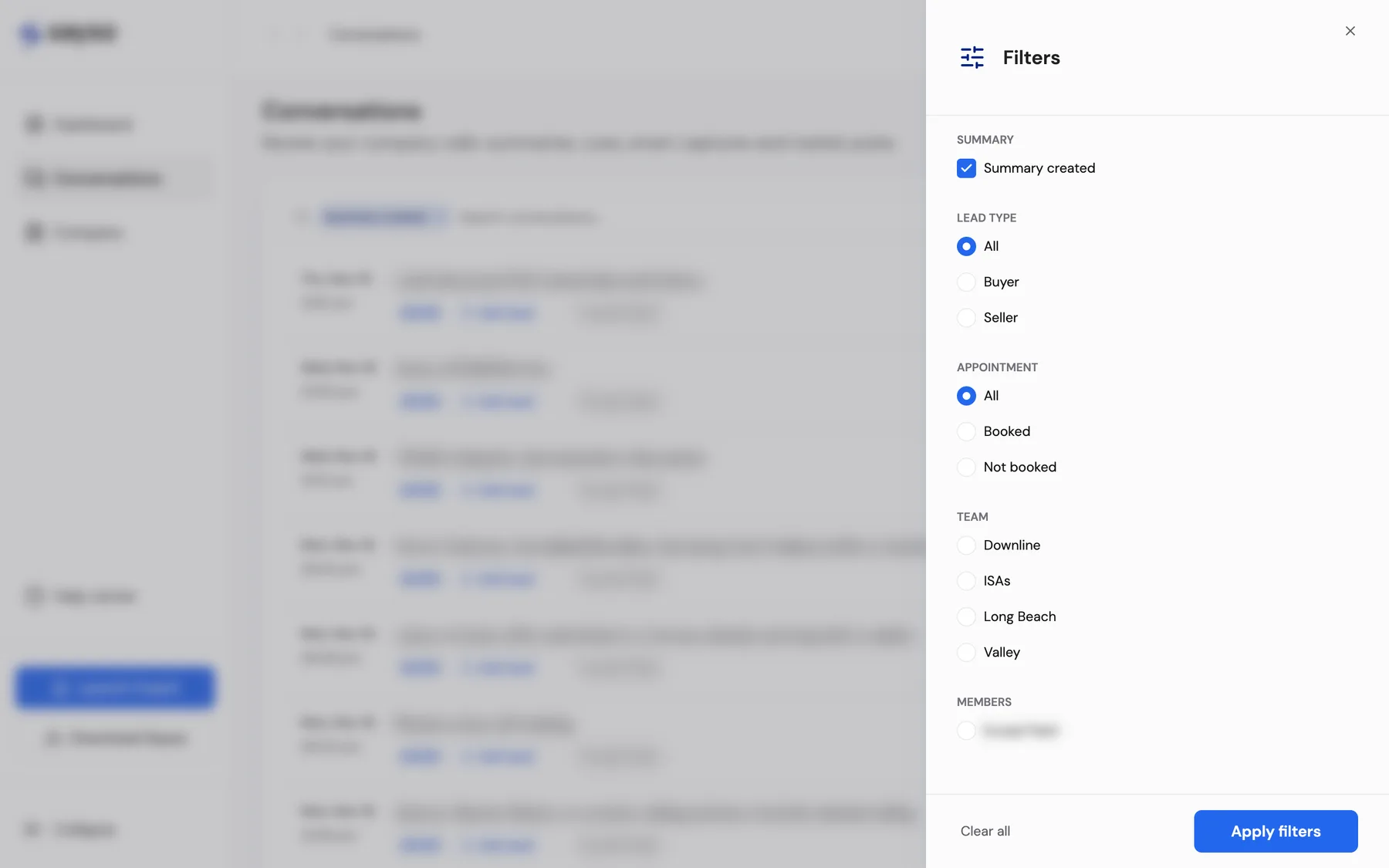
- To narrow it down, open the filters and pick a team under Team or a person under Members.
- Combine with search, the date range and the other filters (summary created, lead type, appointment booked or not).
- Click a conversation to open it.
What you can see on an agent's call
- The call summary, date, time and lead type.
- The lead's name, if the agent linked the call to a lead in the CRM.
- The Cue tab: the insights Cue showed during the call.
- The Smart Capture tab: the LPMAMA notes.
- The Pulse tab: the market data looked up on the call.
What stays with the agent
On someone else's call you can read everything above, but you can't rate Cue's insights, edit Smart Capture or send the call to the CRM. Those are done by the agent who made the call.
Sayso never records audio. See Privacy and your data.
Related
Was this article helpful?
Still stuck? Email support@asksayso.com or join office hours (every Wednesday at 11am PT / 2pm ET).