Rename or delete a team
Updated November 23, 2026
Rename a team
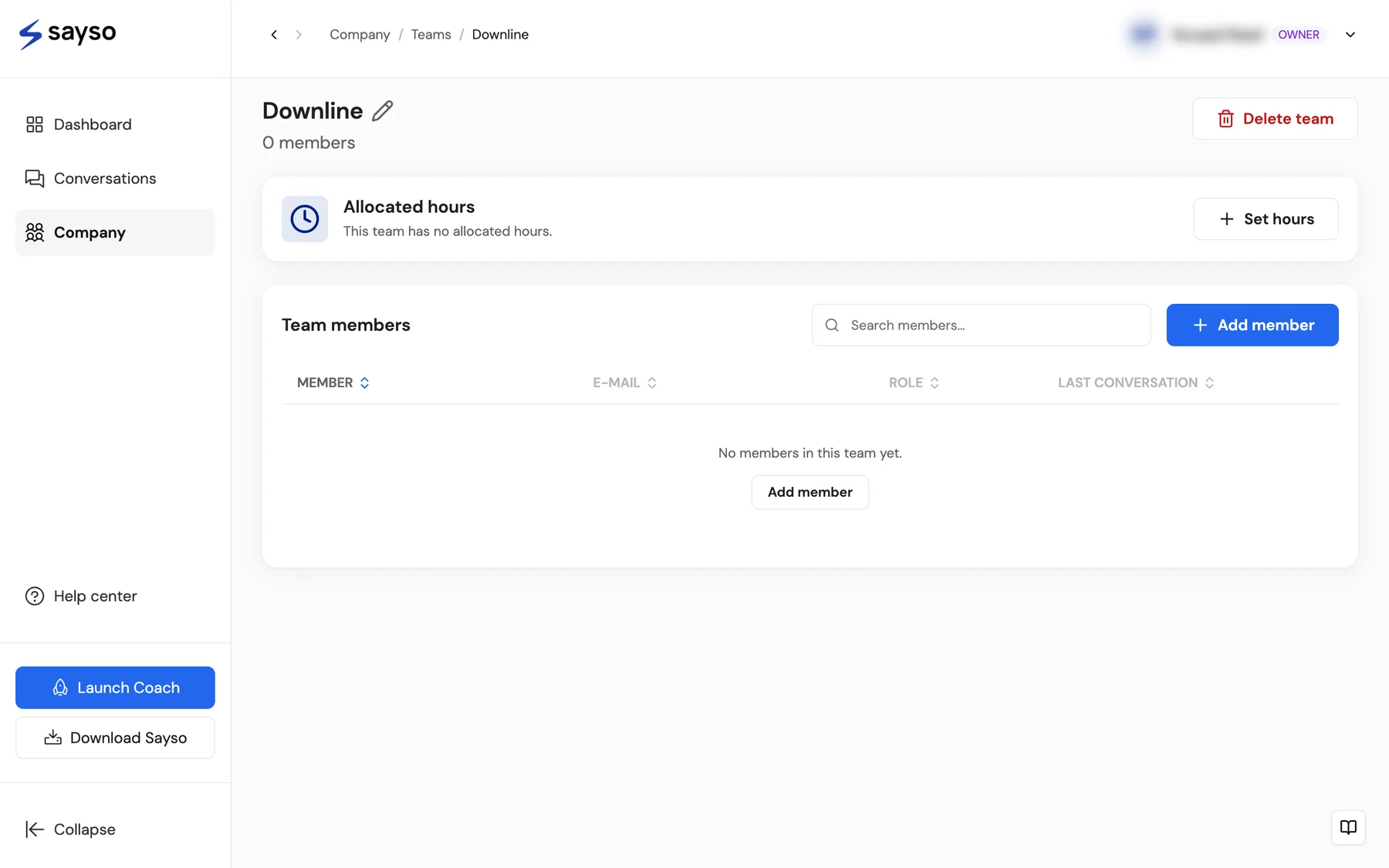
- Open Company > Teams and click the team.
- Click the pencil next to the team name (Edit team name).
- Type the new Team name (up to 80 characters) and click Save. You will see "Team updated."
The name must be different from your other teams.
Delete a team
- Open the team's page and click Delete team.
- Read the message: "Its members stay in your company without a team. This action cannot be undone."
- Click Yes, delete. You will see "Team deleted."
Everyone on the team keeps their account, role and conversations. They have no team and no team cap until you add them to another one.
Was this article helpful?
Still stuck? Email support@asksayso.com or join office hours (every Wednesday at 11am PT / 2pm ET).