Add another admin
Updated November 23, 2026
Admins can invite agents, build teams, set hour caps, read reports and review conversations. They can't manage billing, rename the company or change roles. See Owner, Admin and Member roles for the full list.
Make an existing agent an Admin
- Open Company > Members.
- In the agent's row menu, choose Update role.
- Pick Admin and click Save.
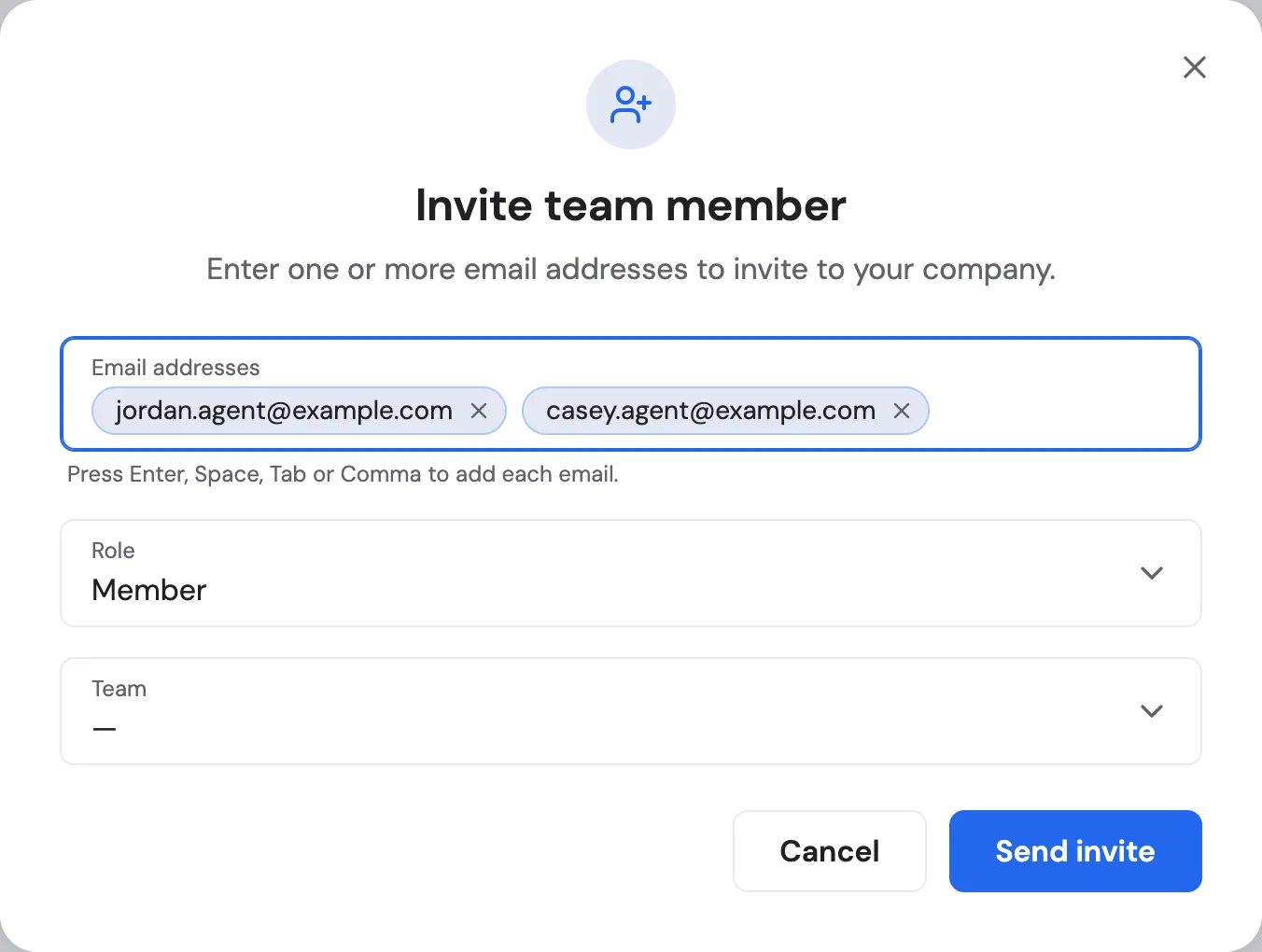
Invite someone new as an Admin
- Open Company > Members and click Add member.
- Enter their email.
- Set Role to Admin. Only the Owner sees the Role field. When an Admin sends an invite, the person always joins as a Member.
- Click Send invite.
A new Admin starts getting the weekly email report and the team hour cap warnings. They can turn the report off or change how often it comes in Settings > Reports.
Can there be more than one Owner?
No. The Owner is the person who subscribed to the team plan, and there is one per company. If the Owner is leaving or ownership needs to move, email support@asksayso.com.
Was this article helpful?
Still stuck? Email support@asksayso.com or join office hours (every Wednesday at 11am PT / 2pm ET).