CRM connections on a team
Updated November 23, 2026
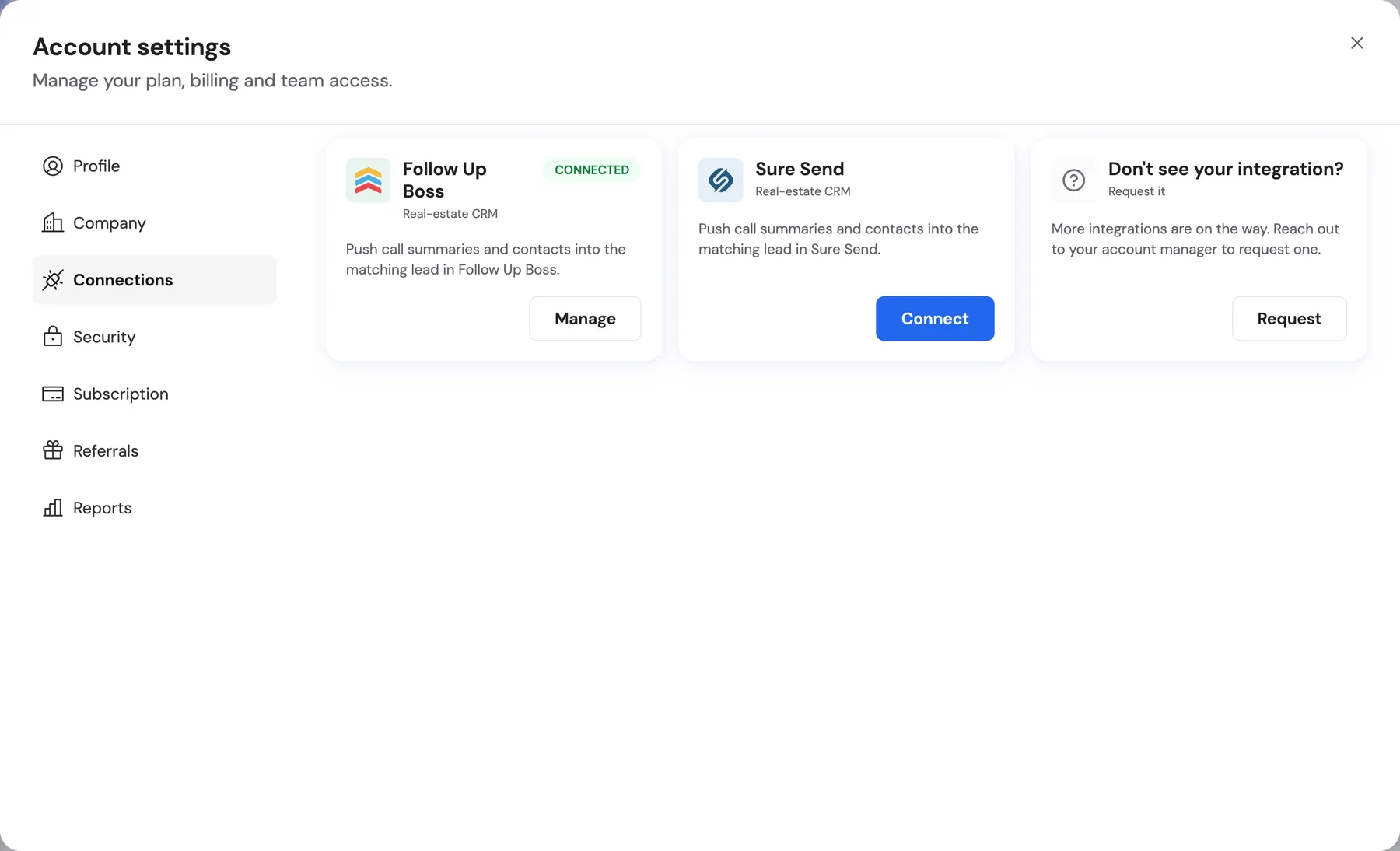
Sayso works alongside your CRM. Each agent connects their own CRM login in Settings > Connections, and the notes from their calls go into the CRM under their account.
- An Owner or Admin can't connect a CRM for the whole team or for another agent.
- When an agent sends a call to the CRM, Sayso adds a note to that lead with the call summary, Smart Capture notes, Pulse data and whether an appointment was booked. Leads that Sayso creates in Follow Up Boss show "Sayso" as the source.
- Admins can see which lead a call was linked to when they review that agent's conversation, but only the agent can link or change it.
Send agents these guides:
Was this article helpful?
Still stuck? Email support@asksayso.com or join office hours (every Wednesday at 11am PT / 2pm ET).