What your team admin can see
Updated November 23, 2026
What owners and admins can see
On a team account, owners and admins can filter the web app by team or by agent. For your account they can see:
- Dashboard: your Conversation time, Appointments booked, weekly Activity and Coach Tips.
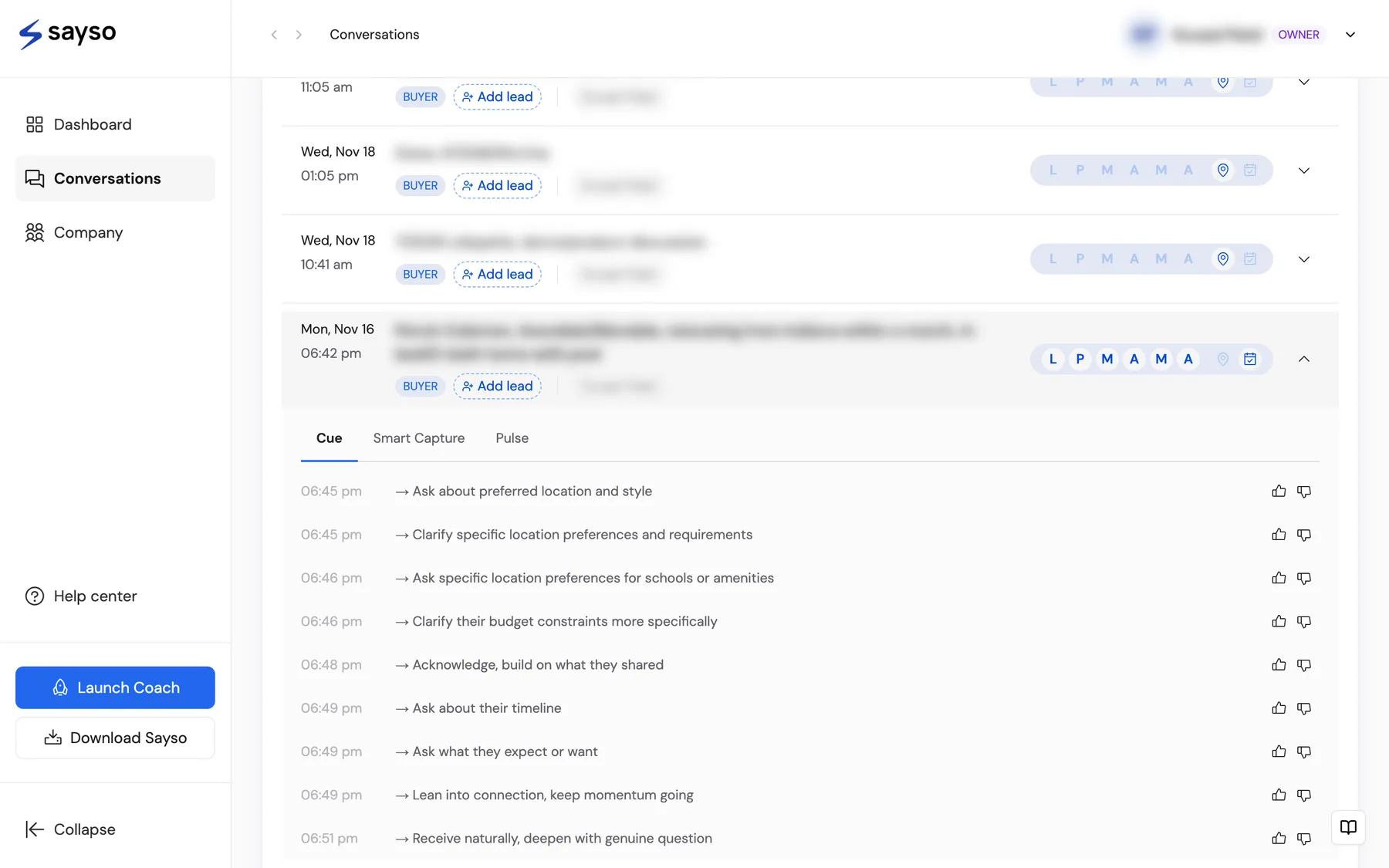
- Conversations: each of your conversations, with its summary, the Cue insights you saw, your Smart Capture notes, the Pulse market data you looked up, the lead type, and whether an appointment was booked.
- Members list: your name, email, role, team and whether you've joined.
Owners and admins also get weekly or monthly email reports with your company's total conversation time. See What Sayso stores for the full list of what's saved.
What they can't do
- Listen to your calls. Sayso never records audio.
- Rate insights or edit notes on your conversations. Only you can rate your insights and edit your Smart Capture.
- See your CRM account. CRM connections are per agent.
If you leave your team
If an owner or admin removes you from the company, your account and its history are deleted. Copy any notes you need first, and talk to your admin if you want to keep using Sayso on your own.
Was this article helpful?
Still stuck? Email support@asksayso.com or join office hours (every Wednesday at 11am PT / 2pm ET).