Sharing scripts with your team
Updated November 23, 2026
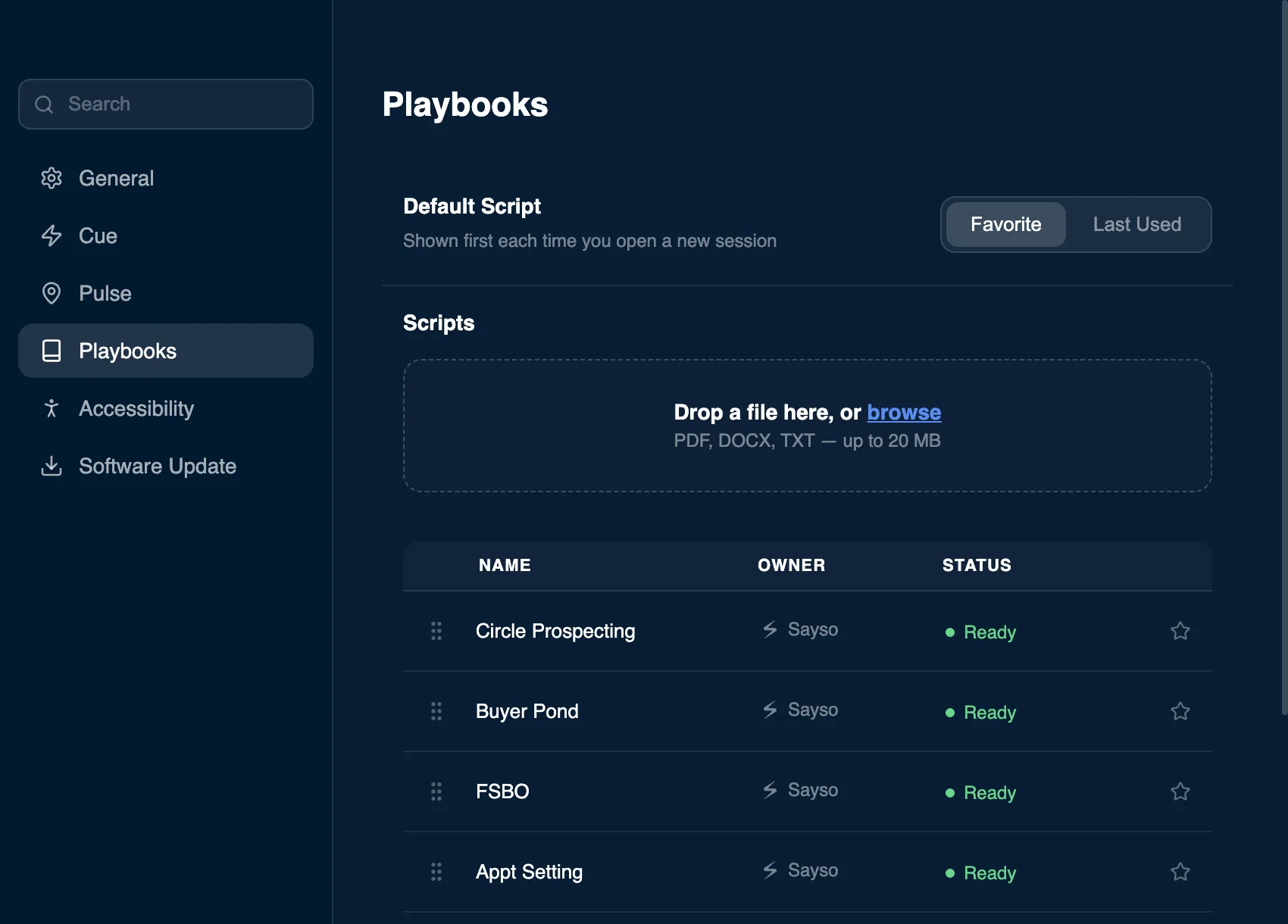
Every agent starts with Sayso's built-in Playbooks. Scripts that someone uploads are only in their own account. There isn't a way yet for an Owner or Admin to publish a script to the whole team.
Give your team the same script
- Save your script as a PDF, DOCX or TXT file (up to 20 MB).
- Send it to your agents in your team chat or by email.
- Each agent uploads it in the desktop app. See Upload, rename and remove your own playbooks.
- Ask them to mark it as a favorite.
Agents still choose which script to open on a call.
Give the file a clear name, like "Expired listing script v2". When you update it, send the new version and ask agents to remove the old one.
Was this article helpful?
Still stuck? Email support@asksayso.com or join office hours (every Wednesday at 11am PT / 2pm ET).