Sign in to the web app
Updated November 23, 2026
The Sayso web app lives at app.asksayso.com. It works in any modern browser on a computer, tablet or phone. The desktop app is where coaching happens during calls; the web app is where you review conversations and manage your account.
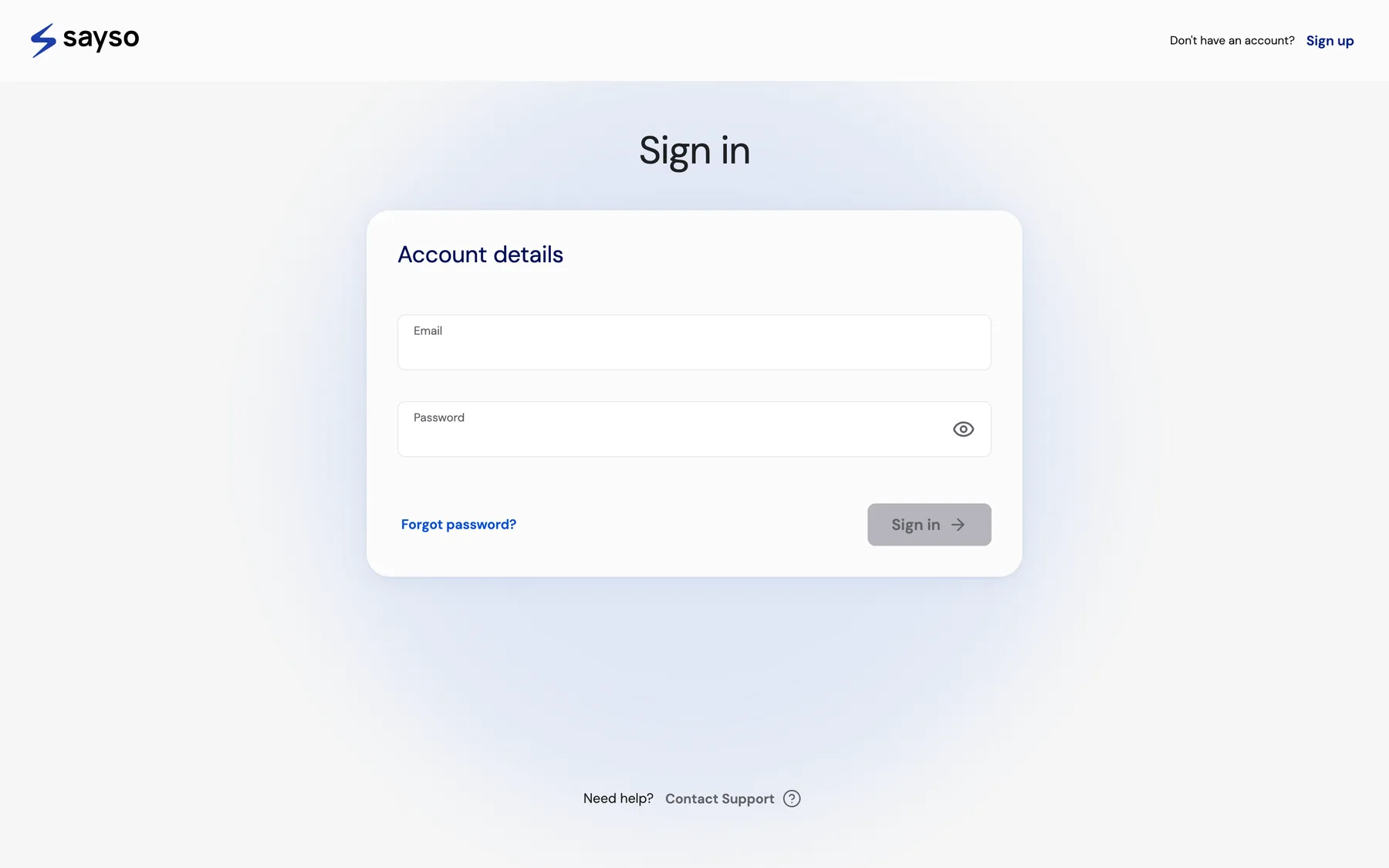
Sign in
- Go to app.asksayso.com/login.
- Enter your Email and Password.
- Click Sign in.
If you turned on two-factor authentication, the next screen asks for the 6-digit code from your authenticator app. Enter it and click Verify. See Turn on two-factor authentication.
If sign-in fails
It says “Email or password is incorrect.”
Check the email for typos, then try your password again. Still stuck? Click Forgot password? under the password field to get a reset link. See Reset your password.
The 6-digit code isn't accepted.
Codes change every 30 seconds. Wait for a fresh code in your authenticator app and enter it right away. Set your phone's clock to update automatically.
I was invited to a team but have no password yet.
Open the invite email and click the link in it. You set your password while accepting the invite. See Join your team from an invite.
I see “Contact your account owner to get access to Sayso.”
Your account belongs to a team that doesn't have an active subscription right now. Ask your team owner to check billing.
Sign out
Click your name in the top-right corner, then Log out.
Related
Was this article helpful?
Still stuck? Email support@asksayso.com or join office hours (every Wednesday at 11am PT / 2pm ET).