Can the lead hear or see Sayso?
Updated November 23, 2026
How it works
Sayso hears your voice through your microphone and the lead through your computer's audio. It shows prompts on your screen. It never plays audio or adds any sound to the call.
What about clicking and typing?
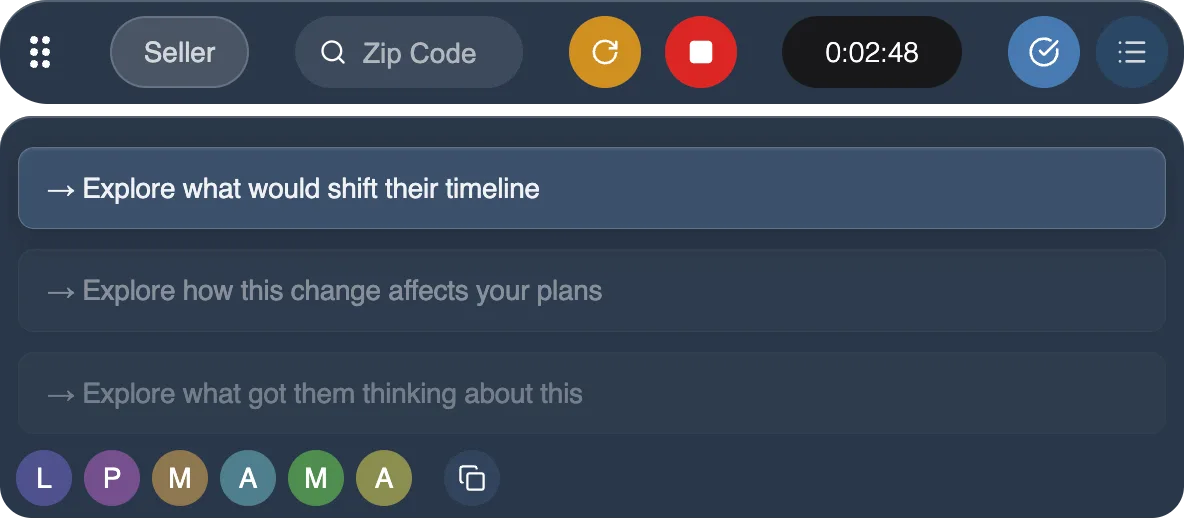
Smart Capture takes your notes during the call. Clicking in the Coach widget will not be heard either, as long as your microphone does not pick up your keyboard and mouse. A headset microphone helps, and you need headphones for Sayso anyway. See Set up your audio.
Screen sharing on video calls
If you share your entire screen on a Zoom or Google Meet call, the other people can see anything on that screen, including the Coach widget. Share a single window or browser tab instead, and keep the Coach widget on a part of the screen you are not sharing. See Move, resize and position the Coach widget.
Do I need to tell the lead?
Sayso is silent, but it does transcribe the conversation. Some states require everyone on a call to agree before it is recorded or transcribed. See Is it legal to use Sayso on calls?
Was this article helpful?
Still stuck? Email support@asksayso.com or join office hours (every Wednesday at 11am PT / 2pm ET).