Rename your company
Updated November 23, 2026
Only the Owner can rename the company.
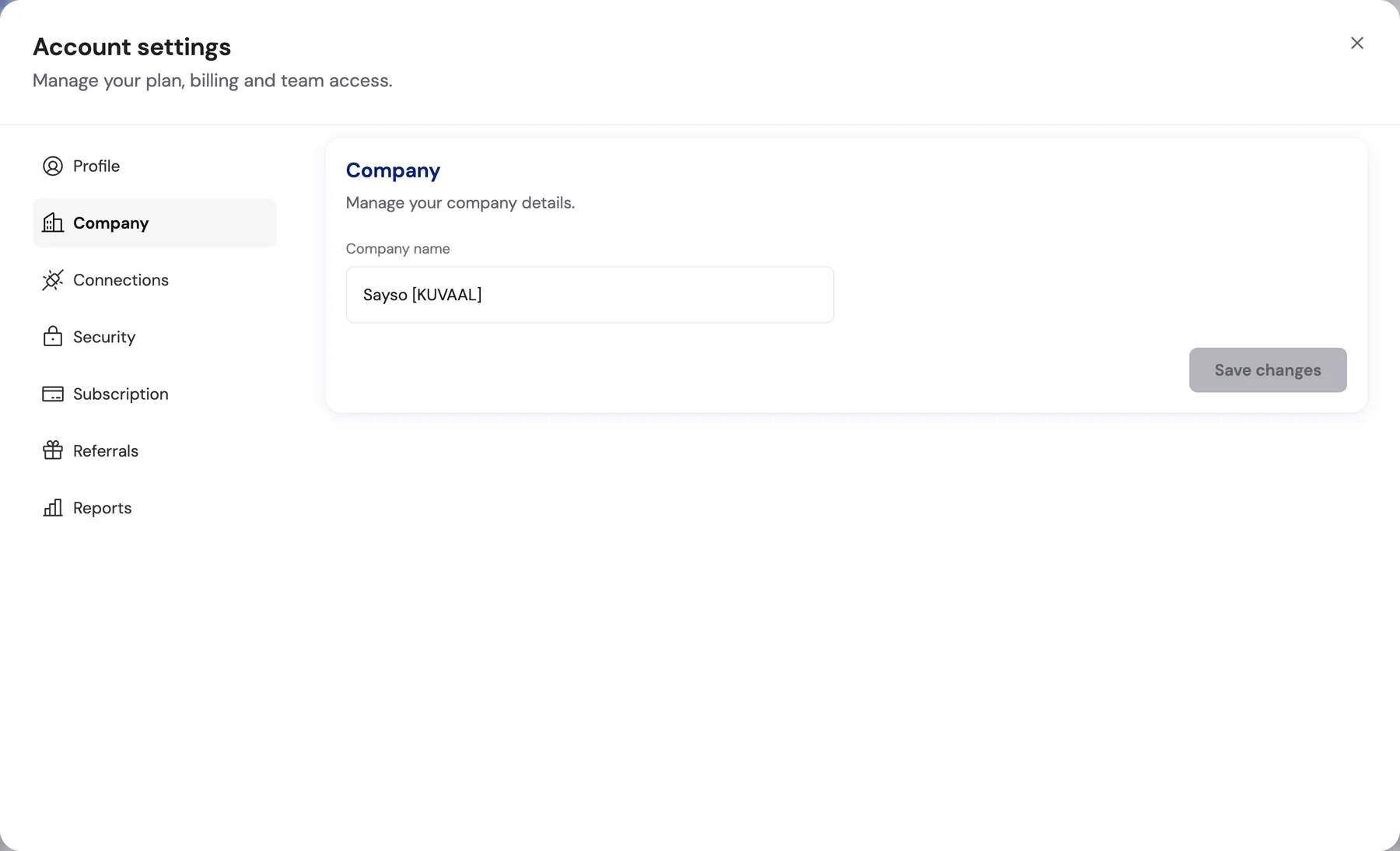
- In the web app, open Settings and choose Company.
- Change Company name. It can't be empty.
- Click Save changes. You will see "Company name updated."
The new name shows on new invite emails, on the invite page agents see ("Join" and your company name), and in email reports.
If you don't see Company in Settings, you're an Admin or a Member. Ask your Owner to make the change.
Was this article helpful?
Still stuck? Email support@asksayso.com or join office hours (every Wednesday at 11am PT / 2pm ET).