Track invitations: Invited, Active and Expired
Updated November 23, 2026
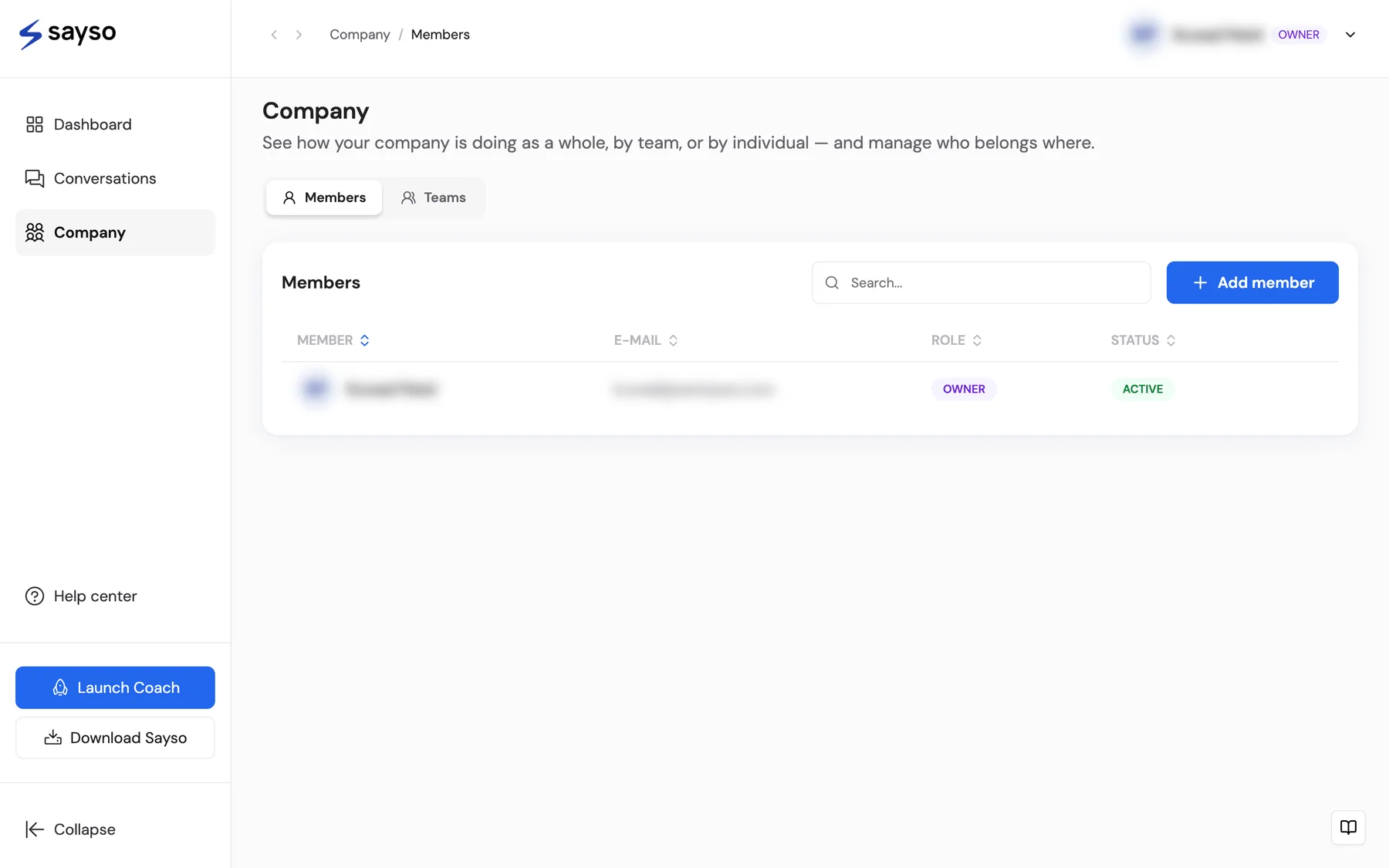
Open Company > Members and look at the Status column.
| Status | Meaning |
|---|---|
| Invited | The invite was sent and hasn't been accepted. It is still valid. |
| Expired | The invite is more than 14 days old and wasn't accepted. The link no longer works. |
| Active | The person accepted and has an account in your company. |
Accepted invites become Active member rows. Revoked invites disappear from the list.
How long an invite lasts
An invite is valid for 14 days from when it was sent or last resent. Opening the link doesn't use it up; it stops working only when it expires, is accepted or is revoked.
What the agent sees if the link doesn't work
| Message on the agent's screen | Why | What you do |
|---|---|---|
| This invite has expired | More than 14 days passed. | Use Resend invite on their row. |
| This invite has been revoked | Someone revoked it. | Send a new invite with Add member. |
| This invite has already been accepted | They already joined. | Tell them to sign in at app.asksayso.com. |
| This invite link isn't valid | The link was cut off or copied wrong. | Ask them to open the full link from the email, or resend. |
| Too many attempts | The link was tried many times in a short window. | Wait a minute and try again. |
| An account with this email already exists | They made their own Sayso account with this email before you invited them. | See Inviting an agent who already has a Sayso account. |
Related
Was this article helpful?
Still stuck? Email support@asksayso.com or join office hours (every Wednesday at 11am PT / 2pm ET).